M5Stack Core2 display: specs, driver revisions & setup
M5Stack's 2.0-inch 320×240 IPS development kit. The display controller is listed as ILI9342C, with ILI9342E on newer documentation, and touch is an FT6336U capacitive controller.
M5Stack Core2 display specifications
| MCU | ESP32 (D0WDQ6-V3) |
|---|---|
| Display | 2″ · 320×240 |
| Display bus | SPI |
| Driver IC | ILI9342C / ILI9342E |
| Touch | FT6336U capacitive |
Which M5Stack Core2 revision do you have?
Known display configuration for this board.
| Revision | Driver IC | How to identify | Library settings |
|---|---|---|---|
| Core2 (v1.0 / v1.1 / v1.3) | ILI9342C / ILI9342E | v1.3 changes the IMU, not the display | M5Unified / M5GFX auto-detect; LovyanGFX Panel_ILI9342 |
Same display spec for volume production
Prototyped on the M5Stack Core2? These modules from our direct factories share the panel size and resolution, come with a datasheet and a fixed driver IC per production lot, and are available from 1 pc samples. MOQ and lead time are agreed per project.
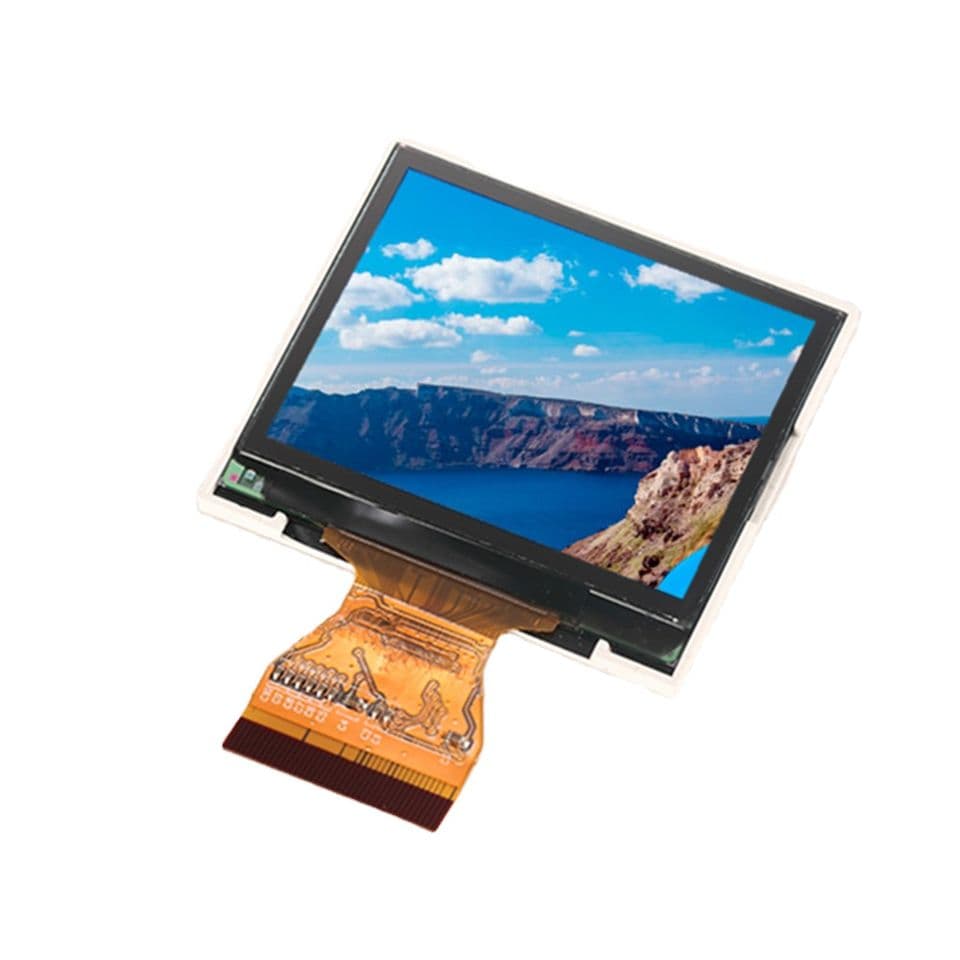
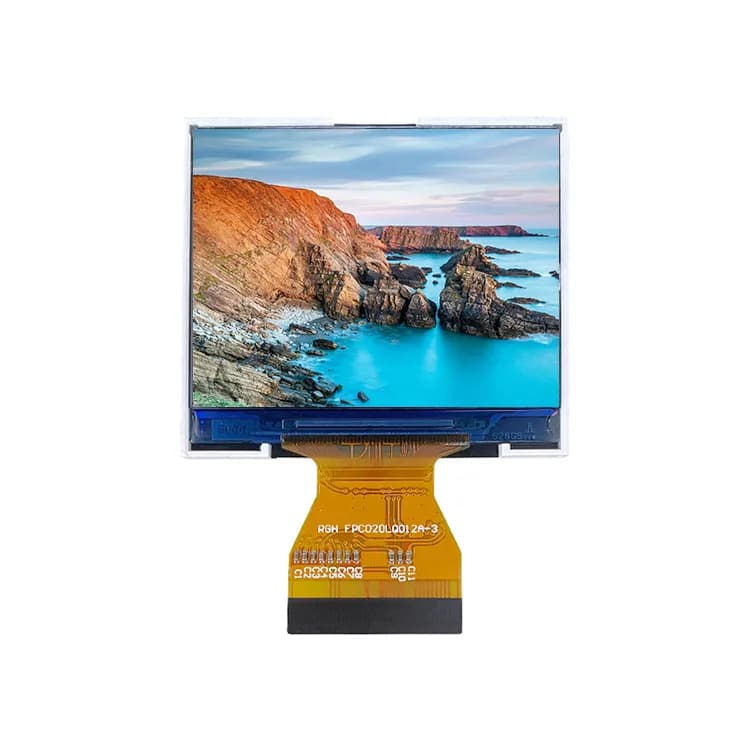
From M5Stack Core2 prototype to production
Dev boards are ideal for proving a UI, but their panels are bought on the open market: the controller can change between batches, there is rarely a datasheet, and lifetime is not guaranteed. For a product, specify a module with a fixed driver IC per production lot, a datasheet and a lifecycle commitment.
Our direct factories build modules with the same 2″ 320×240 format. Same 2.0-inch 320×240 size and ILI9342C controller; our modules use an RGB interface, so check the bus your host provides. Samples start at 1 pc; MOQ and lead time are agreed per project with our sales team.
Before you debug code
- Confirm which revision you have (table above): driver IC changes are the most common cause of a white screen.
- Check the backlight pin is not reused in your sketch.
- Change one setting at a time (driver, inversion, colour order), and keep a known-good example to compare against.
Configuration examples
#include <M5Unified.h>

void setup() {
  auto cfg = M5.config();
  M5.begin(cfg);          // configures display, touch and AXP192
  M5.Display.setTextSize(2);
  M5.Display.println("Hello Core2");
}

void loop() {
  M5.update();
}Frequently asked questions
Which display driver does the M5Stack Core2 use?
ILI9342C, with ILI9342E listed on newer documentation; both are handled by M5GFX/M5Unified.
Sources
Not sure which display fits your design?
Send us your size, interface and host processor. A display engineer replies within 12 hours with 2–3 options, datasheets and init code. Samples from 1 pc.