Sunton ESP32-8048S043C display: specs, driver revisions & setup
A 4.3-inch 800×480 IPS RGB display board on ESP32-S3 with GT911 capacitive touch: the usual starting point for LVGL HMIs that later move to a custom carrier board.
Sunton ESP32-8048S043C display specifications
| MCU | ESP32-S3 (16 MB flash, 8 MB PSRAM) |
|---|---|
| Display | 4.3″ · 800×480 |
| Display bus | Parallel RGB565 |
| Driver IC | RGB panel (ST7262 class) |
| Touch | GT911 capacitive (I2C) |
Which Sunton ESP32-8048S043C revision do you have?
Known display configuration for this board.
| Revision | Driver IC | How to identify | Library settings |
|---|---|---|---|
| 8048S043C (capacitive) | RGB panel (ST7262 class) | C suffix = capacitive GT911 | ESP-IDF esp_lcd RGB panel + esp_lcd_touch_gt911; ESPHome mipi_rgb (model: RPI). The older rpi_dpi_rgb platform is deprecated and is removed in ESPHome 2027.5.0 |
Sunton ESP32-8048S043C display and touch pins
| Signal | GPIO | Notes |
|---|---|---|
| RGB DE | 40 | |
| RGB HSYNC | 39 | |
| RGB VSYNC | 41 | |
| RGB PCLK | 42 | Published configs use 12.5, 16 and 18 MHz; pclk_active_neg is set |
| Blue B3–B7 (data 0–4) | 8, 3, 46, 9, 1 | Labelled blue in the limpens example and ESPHome config |
| Green G2–G7 (data 5–10) | 5, 6, 7, 15, 16, 4 | |
| Red R3–R7 (data 11–15) | 45, 48, 47, 21, 14 | Labelled red in the limpens example and ESPHome config |
| Display enable (DISP) | not connected | |
| Backlight | 2 | PWM (LEDC), active high |
| Touch SDA | 19 | GT911, I2C |
| Touch SCL | 20 | GT911, I2C, 400 kHz |
| Touch RST | 38 | GT911 |
| Touch INT | 18 | As assigned in the limpens and rzeldent definitions; both examples work by polling |
| SD card CS / MOSI / SCLK / MISO | 10 / 11 / 12 / 13 | From the rzeldent board definition |
Same display spec for volume production
Prototyped on the Sunton ESP32-8048S043C? These modules from our direct factories share the panel size and resolution, come with a datasheet and a fixed driver IC per production lot, and are available from 1 pc samples. MOQ and lead time are agreed per project.
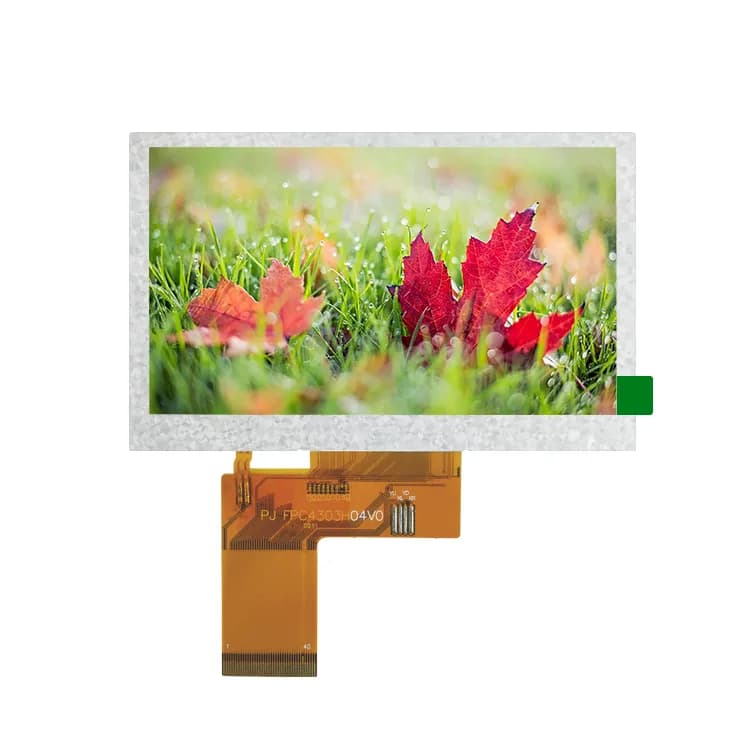
4.3" 800×480 IPS TFT LCD, RGB (PJ4303H04-29H40P500)
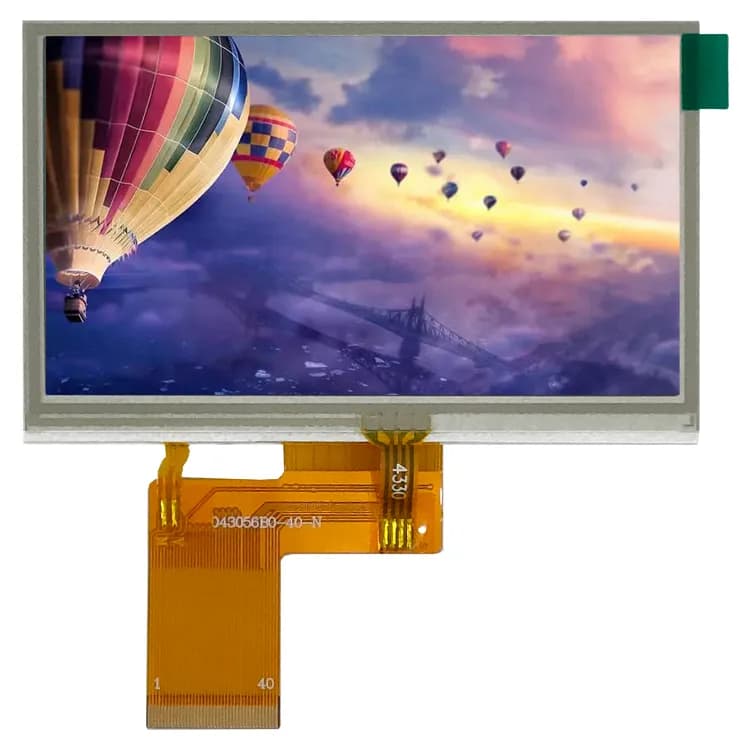
4.3" 800×480 IPS TFT LCD, RGB (PJ4303H03-25H40P1000)
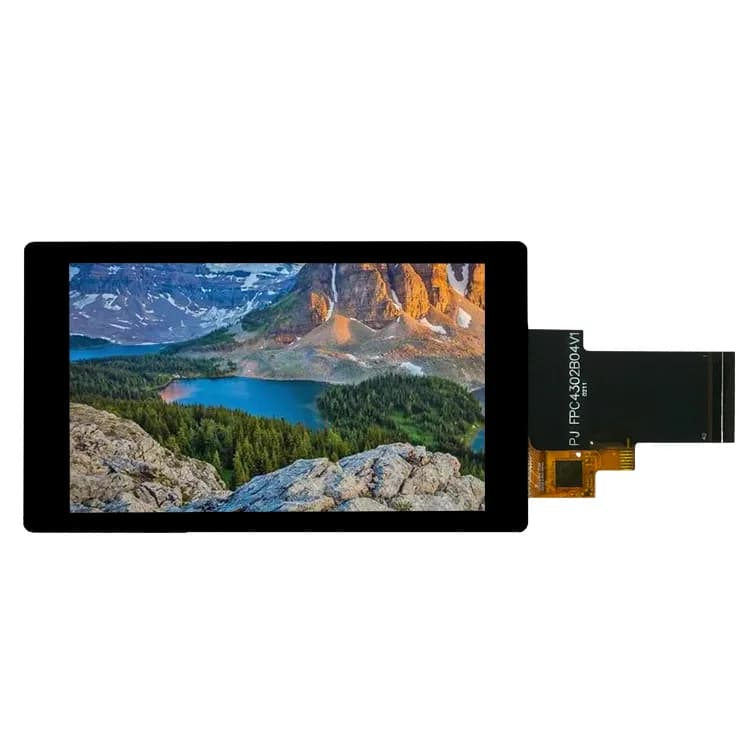
4.3" 480×800 IPS TFT LCD, RGB (PJ4302B04-36H40P300C)
From Sunton ESP32-8048S043C prototype to production
Dev boards are ideal for proving a UI, but their panels are bought on the open market: the controller can change between batches, there is rarely a datasheet, and lifetime is not guaranteed. For a product, specify a module with a fixed driver IC per production lot, a datasheet and a lifecycle commitment.
Our direct factories build modules with the same 4.3″ 800×480 format. Same 4.3-inch 800×480 IPS RGB format; PJ4303H03 is a 1000 cd/m² version and PJ4302B04 includes a capacitive touch panel. Samples start at 1 pc; MOQ and lead time are agreed per project with our sales team.
Before you debug code
- Confirm which revision you have (table above): driver IC changes are the most common cause of a white screen.
- Check the backlight pin is not reused in your sketch.
- Change one setting at a time (driver, inversion, colour order), and keep a known-good example to compare against.
Configuration examples
// 800x480, 16-bit RGB565, frame buffer in PSRAM
#define LCD_PIXEL_CLOCK_HZ (18 * 1000 * 1000)  // limpens: distortion above 18 MHz; rzeldent uses 12.5 MHz
// timings: hsync pulse 4, back porch 8, front porch 8
//          vsync pulse 4, back porch 8, front porch 8
//          pclk_active_neg = true
#define LCD_PIN_HSYNC 39
#define LCD_PIN_VSYNC 41
#define LCD_PIN_DE    40
#define LCD_PIN_PCLK  42
// data_gpio_nums[0..15]: B3-B7, G2-G7, R3-R7
// { 8, 3, 46, 9, 1,  5, 6, 7, 15, 16, 4,  45, 48, 47, 21, 14 }
#define LCD_PIN_DISP_EN  GPIO_NUM_NC
#define LCD_PIN_BK_LIGHT 2
#define TOUCH_PIN_SDA   19
#define TOUCH_PIN_SCL   20
#define TOUCH_PIN_RESET 38
#define TOUCH_PIN_INT   18
Guides & comparisons
GT911 Touch Not Working? I2C Address, Reset Timing, Config and Coordinate Fixes
A step-by-step checklist for a GT911 capacitive touch controller that isn't detected, gives no touches or reports the wrong coordinates: power and I2C scan, the INT/RST address-select sequence, the 0x814E status register, interrupt edge, resolution and axis fixes for Linux, ESP-IDF and ESPHome.
GuideHow to Choose a Display for ESP32-S3 (SPI, QSPI, RGB)
Pick the interface and resolution from two numbers: how many bits per second the bus can move and how much memory the frame needs. With worked figures and reference builds.
Frequently asked questions
Which GPIOs does the GT911 touch controller use on the ESP32-8048S043C?
SDA is GPIO 19 and SCL is GPIO 20. The limpens ESP-IDF example and the rzeldent board definition both assign reset to GPIO 38 and interrupt to GPIO 18, and the rzeldent definition uses I2C address 0x5D at 400 kHz. The limpens example registers no interrupt callback and the ESPHome configuration sets no interrupt pin, so both read touch by polling.
What pixel clock and timings does the ESP32-8048S043C panel need?
Published configurations agree on the porches: HSYNC pulse 4, back porch 8, front porch 8, and the same three values for VSYNC, with pclk_active_neg set, so data is clocked out on the falling edge of PCLK. The pixel clock differs: 12.5 MHz in the rzeldent board definition, 16 MHz in the ESPHome configuration (marked as unsure there), and 18 MHz in the limpens example, whose author notes serious distortion above 18 MHz. One frame is 820 × 500 clocks, so these give about 30, 39 and 44 frames per second.
Why are red and blue swapped on my ESP32-8048S043C?
The two outer groups of data pins are probably assigned the wrong way round. The limpens example and the ESPHome configuration put blue on GPIO 8, 3, 46, 9, 1 and red on GPIO 45, 48, 47, 21, 14. The rzeldent board definition names the same two groups the other way round in its macros. If your colours are swapped, exchange the two groups or change the colour order setting.
How much memory does the ESP32-8048S043C have for the frame buffer?
The board has 16 MB of flash and 8 MB of octal PSRAM. One 800×480 RGB565 frame is 768,000 bytes, so the frame buffer goes in PSRAM: the rzeldent definition sets the frame buffer in PSRAM, and the limpens example allocates two frame buffers there.
Which ESPHome display platform works with the ESP32-8048S043C?
The ESPHome device page for this board uses the rpi_dpi_rgb platform with the pins and timings above. That platform is deprecated and is removed in ESPHome 2027.5.0; new configurations should use mipi_rgb.
Sources
- ESPHome devices: Sunton ESP32-8048S043C
- ESPHome: MIPI RGB display (mipi_rgb)
- ESPHome PR #20691: rpi_dpi_rgb removal set for 2027.5.0
- limpens/esp32-8048S043: main/lcd.h (pins, pixel clock; commit 07443644)
- limpens/esp32-8048S043: main/lcd.cpp (timings, frame buffers; commit 07443644)
- rzeldent/platformio-espressif32-sunton, esp32-8048S043C.json (commit e49cbfed)
Not sure which display fits your design?
Send us your size, interface and host processor. A display engineer replies within 12 hours with 2–3 options, datasheets and init code. Samples from 1 pc.