How ST7701S panels work
Unlike SPI drivers with GRAM, the ST7701S has no full-frame memory. The host must continuously stream pixels over the RGB bus, like a small video signal. Initialization happens separately over a 3-wire SPI port.
ESP32-S3 checklist
- Enable octal PSRAM and place the frame buffer in PSRAM.
- Send the panel's 3-wire SPI init table before starting the RGB peripheral.
- Set HSYNC/VSYNC porches from the panel datasheet.
- Use bounce buffers to avoid drift when Wi-Fi is active.
ST7701S library support
| Library | Driver / class | Notes |
|---|---|---|
| LovyanGFX (Arduino / ESP-IDF) | lgfx::Panel_ST7701 with lgfx::Bus_RGB | |
| ESP-IDF esp_lcd | espressif/esp_lcd_st7701 | |
| Note | Initialised over 3-wire SPI, then driven over parallel RGB. |
Display modules using ST7701S
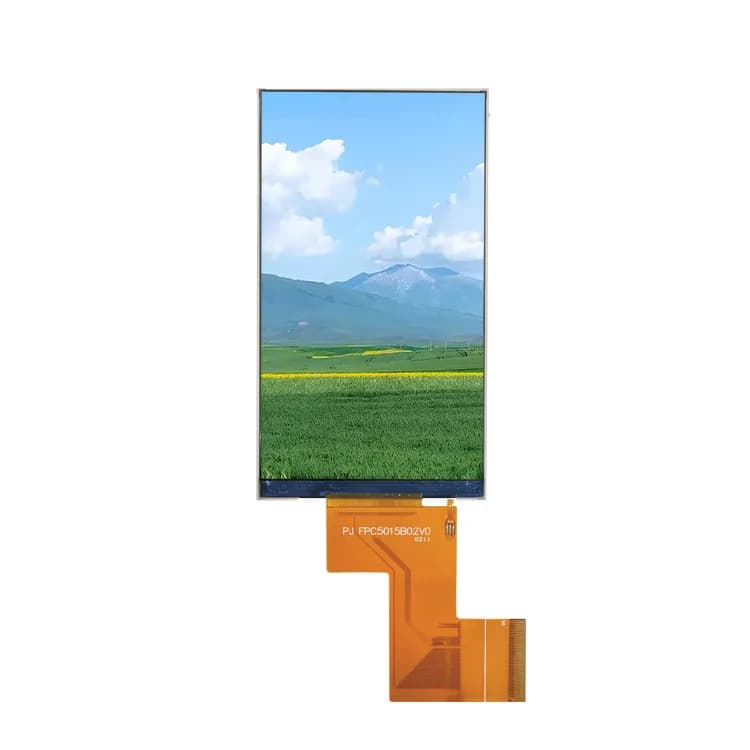
ST7701S troubleshooting & FAQ
Why does my ST7701S panel stay black on ESP32-S3?
Usually the 3-wire SPI init sequence was not sent (it runs on separate pins from the RGB bus), the panel-specific init table is wrong, or PSRAM is disabled. Start from the init table supplied with your exact panel.
What pixel clock should I use for 480×480 on ESP32-S3?
Typical values are 12–16 MHz with modest porches. Higher clocks can cause drift or flicker when PSRAM bandwidth is shared with Wi-Fi; enable bounce buffers in ESP-IDF to stabilize.