Displays for ESP32-S3
ESP32-S3 drives SPI, QSPI, 8080 parallel and 16-bit RGB displays. It has no MIPI DSI; for MIPI choose ESP32-P4.
Which display interfaces does ESP32-S3 support?
| Interface | Practical max resolution | Notes |
|---|---|---|
| SPI | 320×480 | Simple wiring; frame rate limited by SPI clock |
| QSPI | 466×466 / 360×360 | Common for round AMOLED and LCD panels |
| 8080 parallel | 480×320 | 8/16-bit via LCD_CAM (I80) |
| RGB 16-bit | 800×480 | Needs octal PSRAM; use bounce buffers with Wi-Fi |
| MIPI DSI | — | Not supported; use ESP32-P4 |
Modules with compatible interfaces
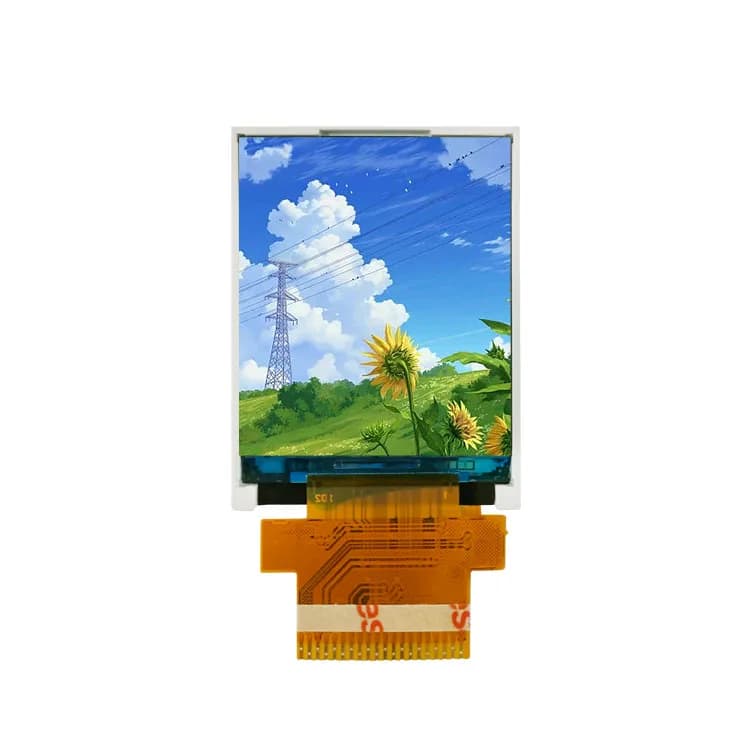
1.77" 128×160 TFT LCD, MCU (PJ177Z12)
- Size
- 1.77"
- Resolution
- 128×160
- Driver IC
- ILI9163V
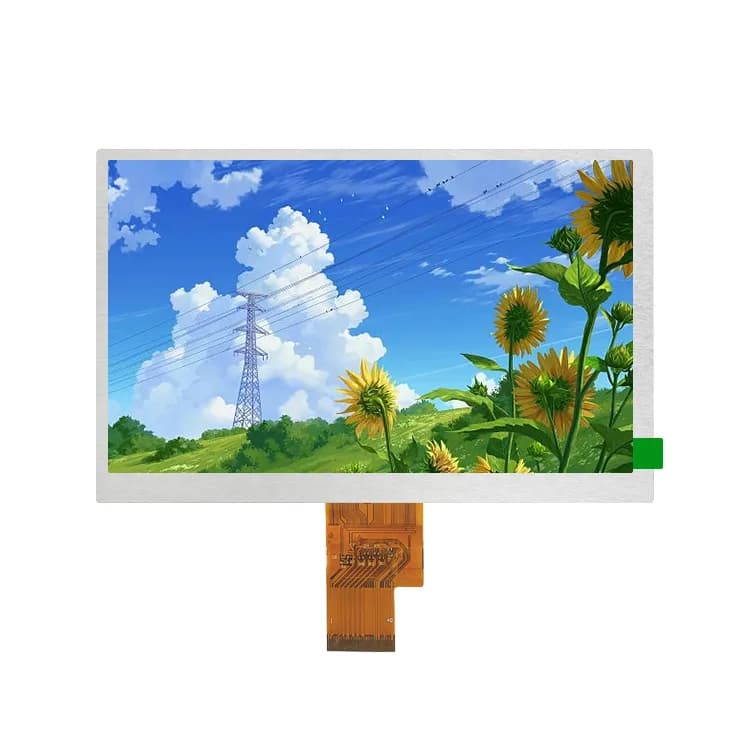
7" 800×480 TFT LCD, RGB (PJ7003I78-60H40P400C)
- Size
- 7"
- Resolution
- 800×480
- Brightness
- 400 nits
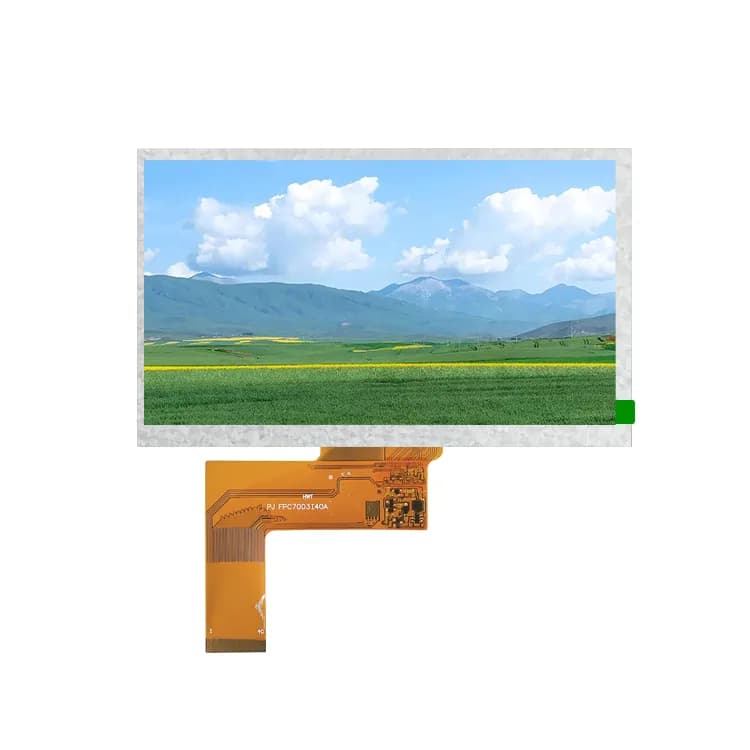
7" 800×480 TFT LCD, RGB (PJ7003I40-35H40P400)
- Size
- 7"
- Resolution
- 800×480
- Brightness
- 400 nits
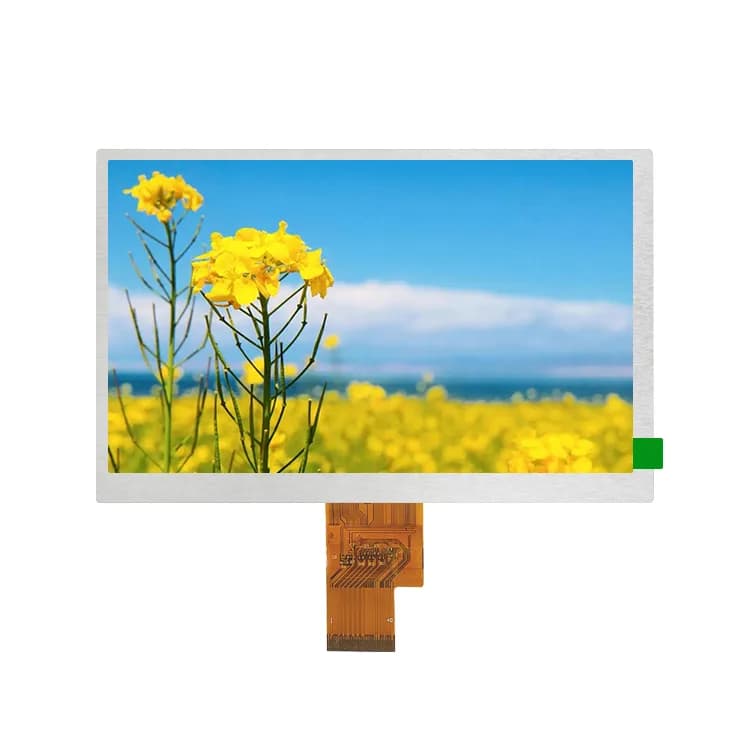
7" 800×480 IPS TFT LCD, RGB (PJ7004I38-57H40P1000)
- Size
- 7"
- Resolution
- 800×480
- Brightness
- 1000 nits
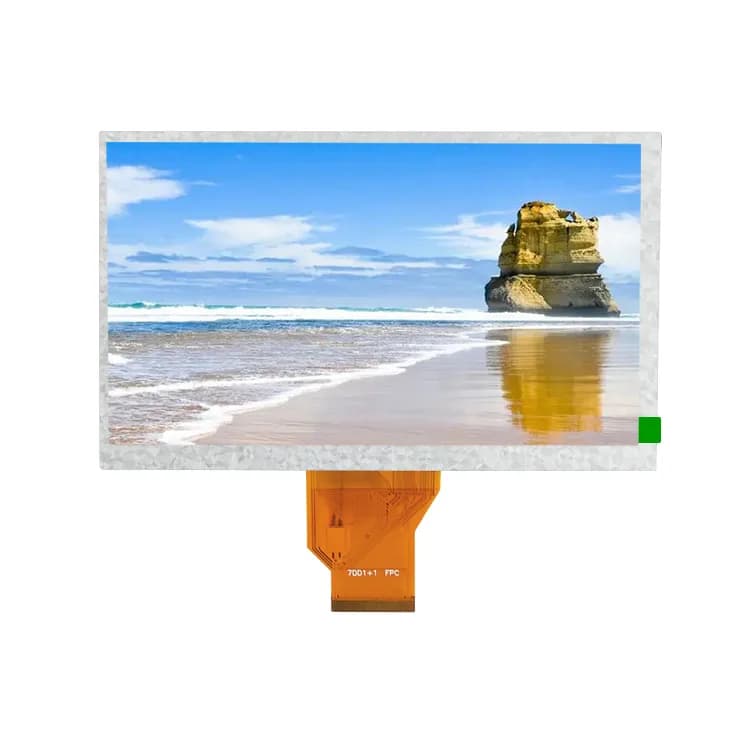
7" 800×480 TFT LCD, RGB (PJ7004I40-57H50P250)
- Size
- 7"
- Resolution
- 800×480
- Brightness
- 250 nits
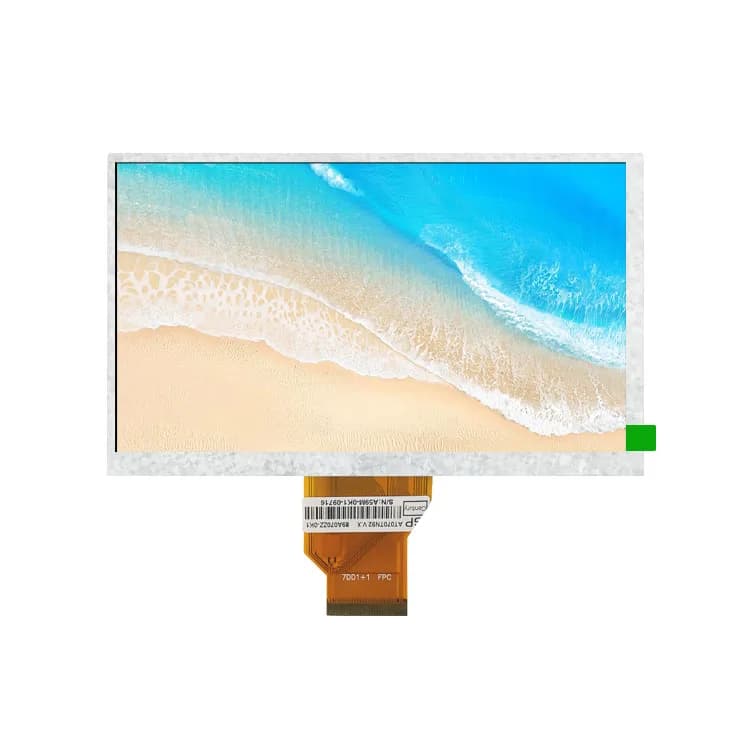
7" 800×480 TFT LCD, RGB (PJ7004I58-57H50P600)
- Size
- 7"
- Resolution
- 800×480
- Brightness
- 600 nits
Choosing an interface on ESP32-S3
The ESP32-S3 LCD_CAM peripheral handles both 8080 (I80) and parallel RGB panels. RGB panels have no internal frame memory, so the S3 streams the frame buffer from PSRAM continuously.
Recommended combinations
- Smart home panel: 4″ 480×480 ST7701S + GT911
- HMI: 5″ 800×480 RGB + GT911
- Wearable / knob: 1.28″ GC9A01 round over SPI
Frequently asked questions
What is the best display for ESP32-S3?
For UI-heavy products, a 4″ 480×480 ST7701S or 4.3″/5″ 800×480 RGB panel with GT911 capacitive touch is the sweet spot. For small devices, a 240×240 or 240×320 SPI IPS panel is simpler and cheaper.
Can ESP32-S3 drive a MIPI DSI display?
No. ESP32-S3 has no MIPI DSI peripheral. Use an RGB panel, a bridge chip, or move to ESP32-P4, which includes a 2-lane MIPI DSI interface.
Why does my ESP32-S3 RGB display drift or flicker with Wi-Fi on?
PSRAM bandwidth is shared. Lower the pixel clock, enable bounce buffers in the esp_lcd RGB driver and keep frame buffers in PSRAM with cache-friendly sizes.
Not sure which display fits your design?
Send us your size, interface and host processor. A display engineer replies within 12 hours with 2–3 options, datasheets and init code. Samples from 1 pc.