What is the ST7789V?
The ST7789V is a TFT LCD source and gate driver from Sitronix with integrated frame memory (GRAM). Because the image lives inside the driver, a microcontroller only sends changed pixels and does not need its own frame buffer. That is why ST7789V modules are popular on ESP32, STM32, RP2040 and Arduino-class boards.
Which interface should I use?
Interface | Pins | Typical use |
|---|---|---|
4-wire SPI | 4–5 | Most modules; simple wiring, up to ~60 MHz |
8080 parallel (MCU) | 12–20 | Faster full-screen refresh on MCUs with FSMC/FMC |
RGB | 18–24 | Rare on small modules; video-like refresh |
Common bring-up problems
- White or black screen: check reset timing and that SLPOUT is followed by a 120 ms delay before DISPON.
- Wrong colors: toggle INVON/INVOFF and the BGR bit in MADCTL.
- Image offset: set the correct column/row start for 240×240 and 135×240 panels.
- Tearing: use the TE pin if your module breaks it out.
See our TFT white screen troubleshooting guide for a step-by-step checklist.
ST7789V init code
// Reference init sequence. Adjust MADCTL, inversion and offsets per panel.
write_cmd(0x01);              // SWRESET
delay_ms(150);
write_cmd(0x11);              // SLPOUT
delay_ms(120);
write_cmd(0x3A); write_data(0x55);   // COLMOD: 16-bit RGB565
write_cmd(0x36); write_data(0x00);   // MADCTL: rotation / RGB order
write_cmd(0x21);              // INVON: most IPS panels need inversion
write_cmd(0x13);              // NORON
write_cmd(0x29);              // DISPON
delay_ms(20);
ST7789V library support
| Library | Driver / class | Notes |
|---|---|---|
| TFT_eSPI (Arduino) | ST7789_DRIVER | |
| LovyanGFX (Arduino / ESP-IDF) | lgfx::Panel_ST7789 | |
| ESP-IDF esp_lcd | esp_lcd_new_panel_st7789() (built in) | |
| Note | Many ST7789 panels need colour inversion enabled. |
User_Setup_ST7789V.h · LGFX_ST7789V.hpp. Pins are placeholders; we email updates when we add tested configurations.
Dev boards using ST7789V
Display modules using ST7789V
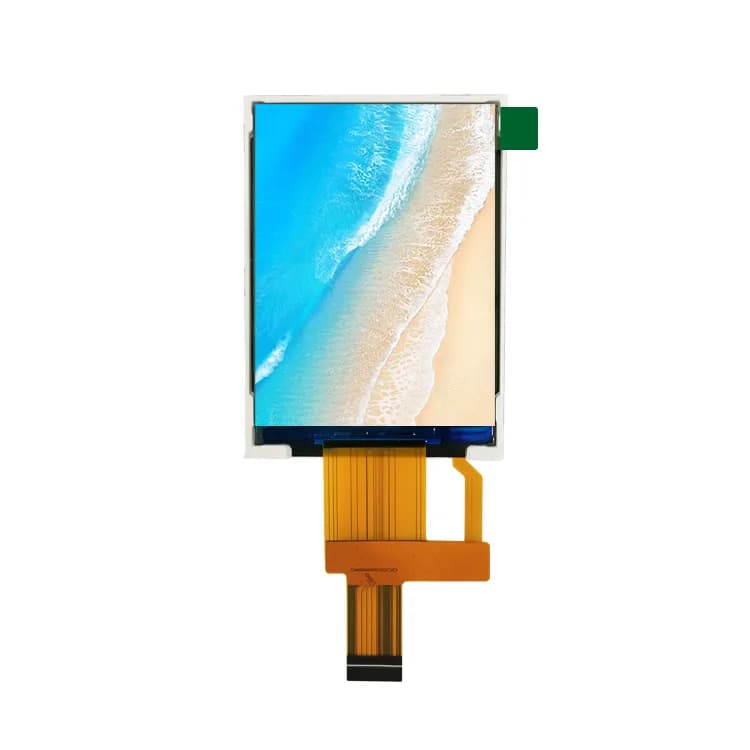
2.8" 240×320 TFT LCD, SPI (PJ2801H22-23H10P200)
- Size
- 2.8"
- Resolution
- 240×320
- Brightness
- 200 nits
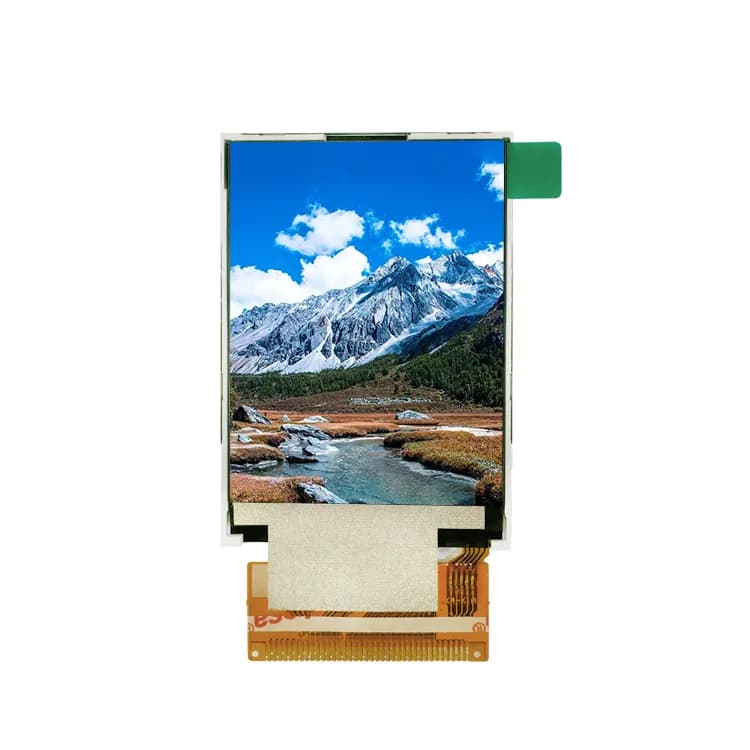
2.4" 240×320 TFT LCD, SPI (PJ2401I24-22H30P250)
- Size
- 2.4"
- Resolution
- 240×320
- Brightness
- 250 nits
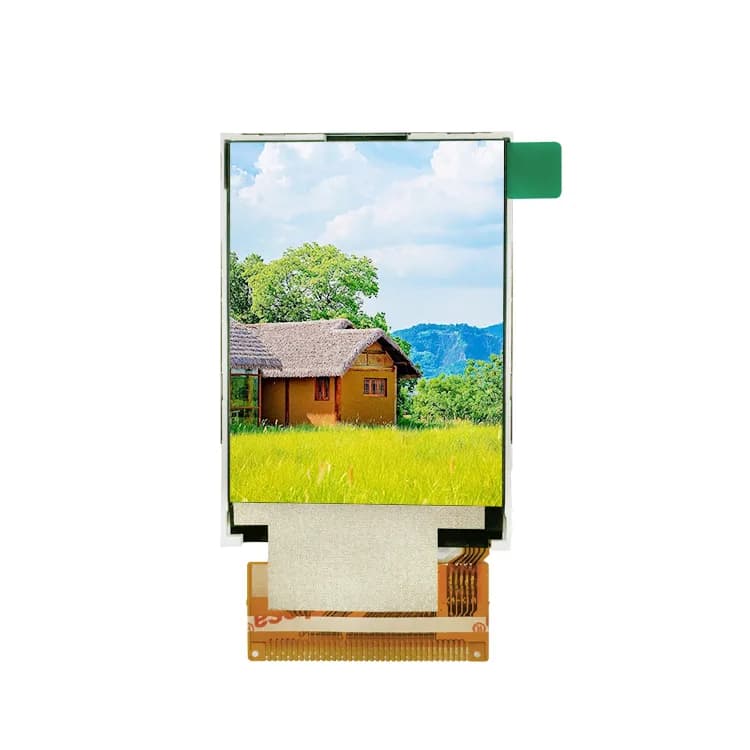
2.4" 240×320 TFT LCD, MCU (PJ2401I02-22H38P300)
- Size
- 2.4"
- Resolution
- 240×320
- Brightness
- 300 nits
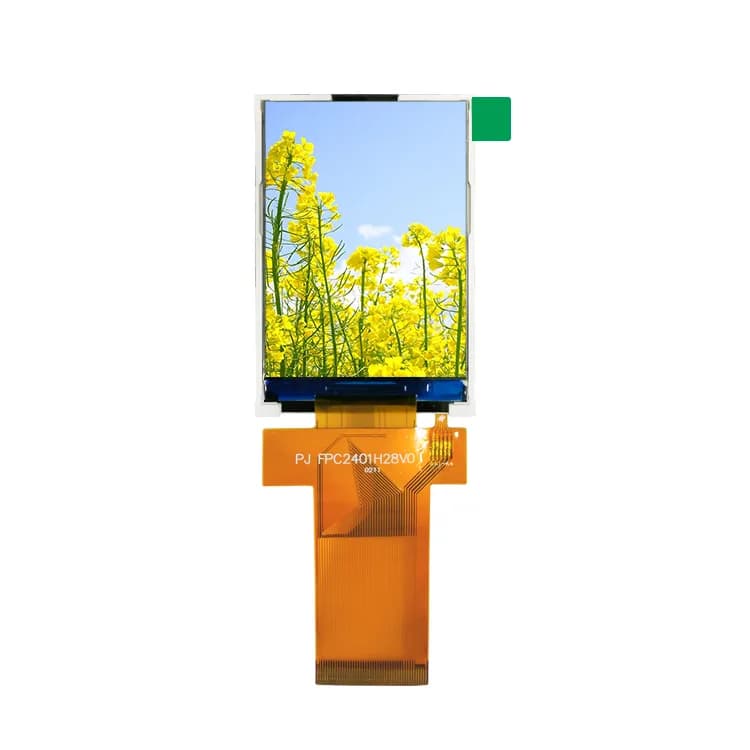
2.4" 240×320 IPS TFT LCD, SPI / MCU / RGB (PJ2401H28-22H45P200)
- Size
- 2.4"
- Resolution
- 240×320
- Brightness
- 200 nits
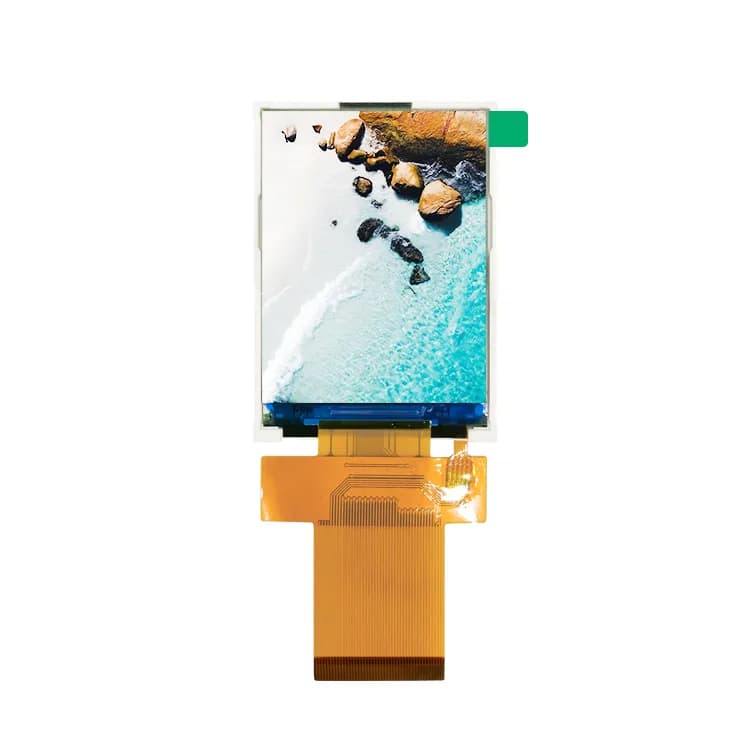
2.4" 240×320 IPS TFT LCD, SPI / MCU / RGB (PJ2401H25-22H45P200)
- Size
- 2.4"
- Resolution
- 240×320
- Brightness
- 200 nits
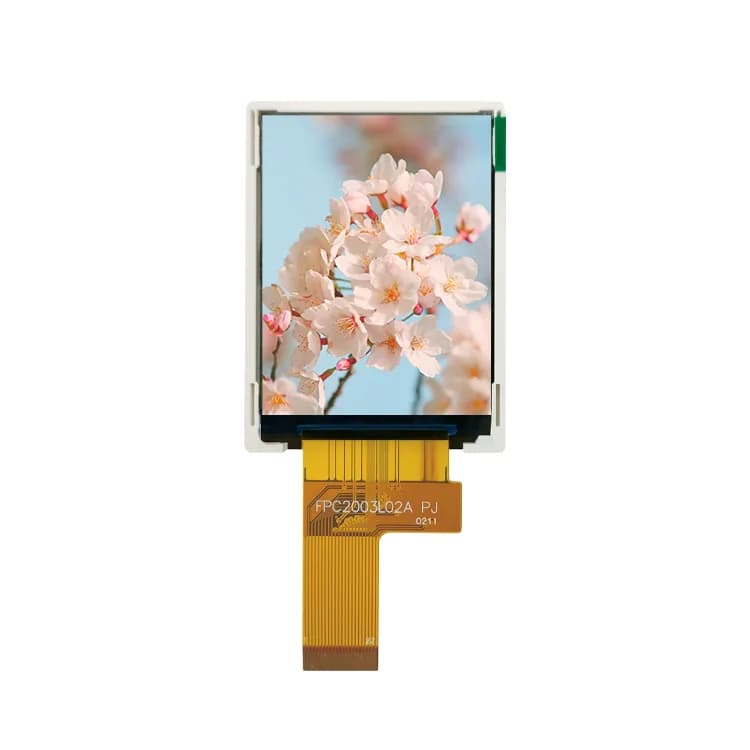
2" 240×320 TFT LCD, SPI / MCU (PJ2003L02-22H22P300)
- Size
- 2"
- Resolution
- 240×320
- Brightness
- 300 nits
ST7789V troubleshooting & FAQ
Why are the colors inverted on my ST7789 display?
Most IPS panels with ST7789V need display inversion enabled (command 0x21, INVON). If colors look like a photo negative, toggle inversion; if red and blue are swapped, change the RGB/BGR bit in MADCTL (0x36).
What SPI clock can ST7789V handle?
Many modules work reliably at 40–62.5 MHz SPI with short wiring. Start at 20 MHz, confirm the image, then increase while checking for corruption.
Why is my 240×240 image shifted by 80 pixels?
The ST7789V frame memory is 240×320. On 240×240 panels some rotations need a row or column offset (often 80) in CASET/RASET; most libraries expose this as a rowstart/colstart setting.