Displays for Raspberry Pi 5
Raspberry Pi 5 drives displays over two four-lane MIPI DSI/CSI connectors, dual micro-HDMI, parallel RGB (DPI) on the GPIO header and SPI for small panels.
Which display interfaces does Raspberry Pi 5 support?
| Interface | Practical max resolution | Notes |
|---|---|---|
| MIPI DSI | 1200×1920 (largest official panel) | Two four-lane ports, 22-way connector; 15-way displays need a 22-way to 15-way cable |
| HDMI | 2 × 3840×2160 at 60 Hz | Two micro-HDMI ports; no extra configuration needed |
| DPI (parallel RGB) | 24-bit RGB | On the 40-pin GPIO header; RGB565, RGB666 or RGB24 |
| SPI | Depends on the panel | Small panels on the GPIO header; status displays |
Reference modules for Raspberry Pi 5
Matched by interface and resolution. We send a test report only for modules we have run on this board; ask if you need one.
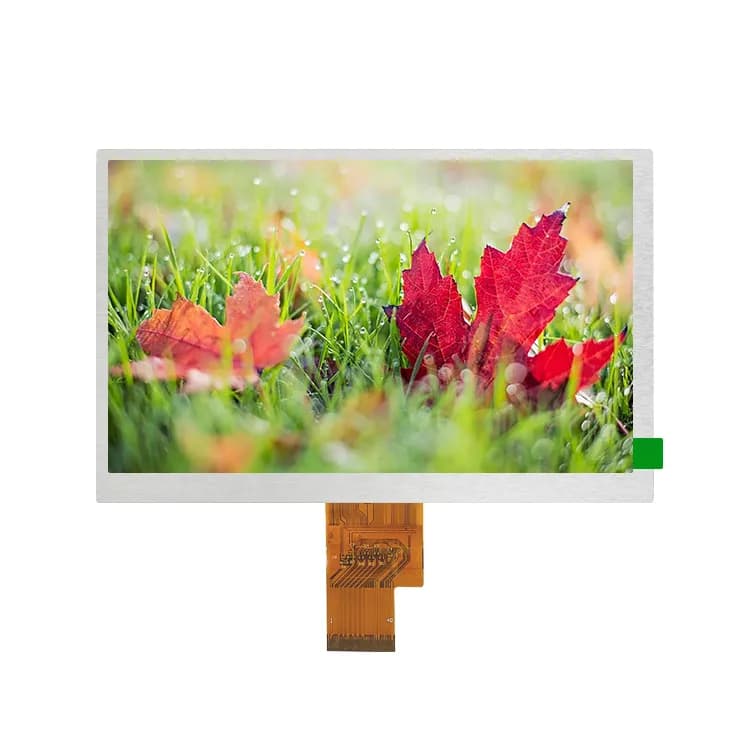
8" 800×1280 IPS TFT LCD, MIPI DSI (PJ8002I01-26H31P200)
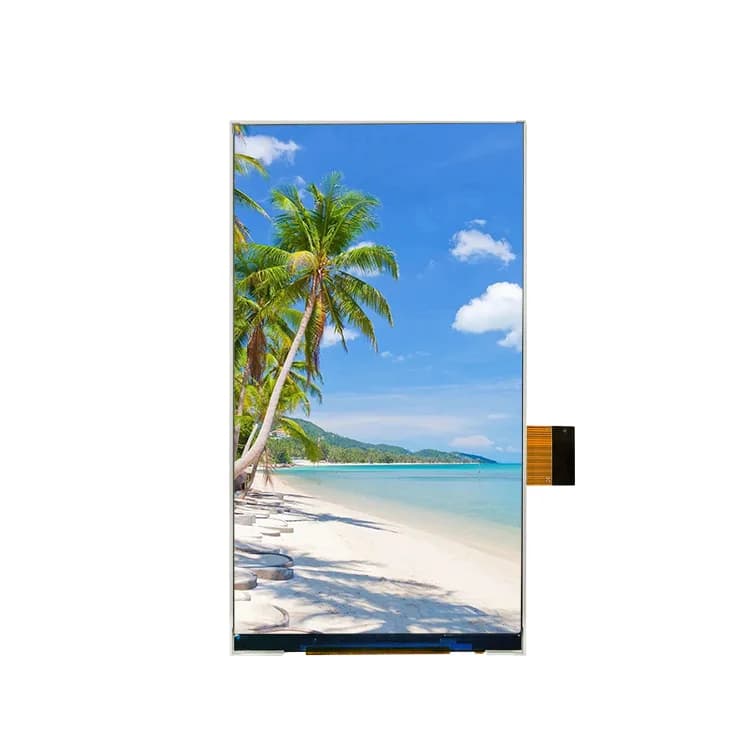
4.99" 720×1280 IPS TFT LCD, MIPI DSI (PJ5015B14-21H26P300)
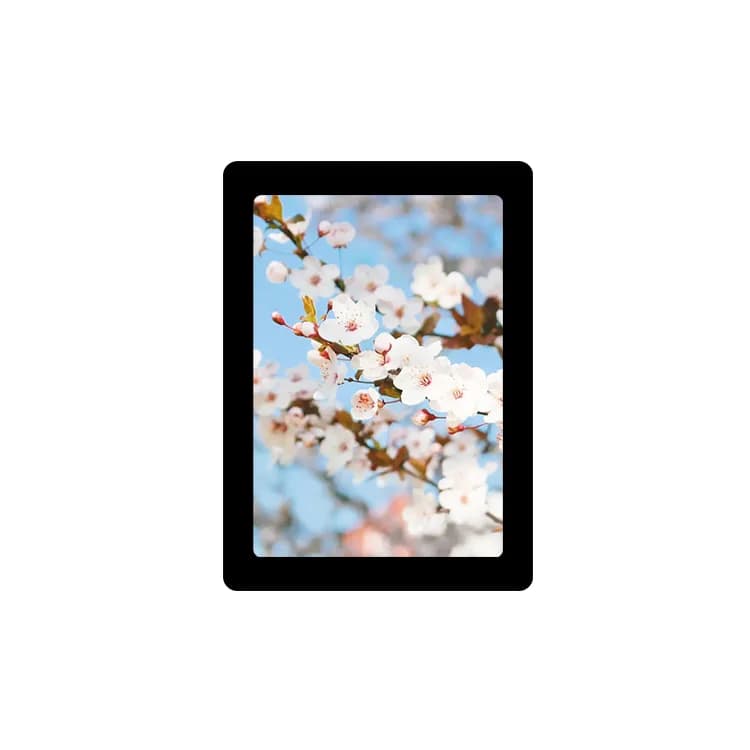
3.5" 480×640 TFT LCD, MIPI DSI (PJ3506G01-31H30P200C)
Connecting a DSI display to Raspberry Pi 5
- Raspberry Pi 5 has two four-lane MIPI transceivers. Each connector can take either a camera or a display, so two DSI displays can run at once.
- The connector is 22-way, smaller than the 15-way DSI connector on earlier boards. A display with a 15-way connector needs a 22-way to 15-way flat flexible cable (Raspberry Pi calls it Standard – Mini Display); the 22-way end is the smaller end and goes into the Pi.
- The official Touch Display (800×480) and Touch Display 2 (720×1280 on the 5-inch and 7-inch models) use that cable. The 10-inch Touch Display 2 (1200×1920) is supported on Raspberry Pi 5 and later, not on Raspberry Pi 4 and earlier, and uses a 22-way to 22-way cable.
- Raspberry Pi OS detects the official displays automatically. When you add an overlay by hand, it uses the port labelled 1 by default; append
,dsi0for the port labelled 0, for exampledtoverlay=vc4-kms-dsi-ili9881-7inch,dsi0. - Before fitting a Touch Display 2, update the system and the bootloader:
sudo apt update && sudo apt full-upgrade, thensudo rpi-eeprom-update -a. - A third-party DSI panel is not auto-detected. It needs a device-tree overlay and a panel driver that match its driver IC and timing.
If the screen stays black, work through the Raspberry Pi display troubleshooting guide.
HDMI on Raspberry Pi 5
Raspberry Pi 5 has two micro-HDMI ports and drives two displays at up to 3840×2160 at 60 Hz with no additional configuration. Raspberry Pi 4 needs the hdmi_enable_4kp60 setting for 60 Hz at 4K, and only on one port. Each display needs a micro-HDMI to HDMI cable or adapter.
Parallel RGB (DPI) on the GPIO header
Raspberry Pi boards with the 40-pin header can also drive a parallel RGB panel directly from the GPIO pins, in RGB565, RGB666 or 24-bit RGB. DPI is an alternate function of GPIO bank 0, so it takes over most of the header, and it is set up with config.txt parameters and a device-tree overlay.
DSI or HDMI?
Choose MIPI DSI for thin integrated products and lower BOM; choose HDMI for the fastest bring-up. HDMI driver boards add cost and thickness but need no device-tree work.
Guides & comparisons
Raspberry Pi Display Not Working? DSI, HDMI and Touch Fixes for Pi 4 and Pi 5
A step-by-step checklist for a Raspberry Pi display that stays black, shows no picture, is rotated wrong or blanks itself: DSI cable and power, config.txt, HDMI modes on Bookworm, rotation, touch and screen blanking.
ComparisonMIPI DSI vs LVDS vs eDP: Which Display Interface Should You Use?
A decision guide for the three high-speed display interfaces: what your processor supports, how far the cable runs, how hard bring-up is, and when a bridge chip makes sense.
Frequently asked questions
Will my old Raspberry Pi DSI display work on Pi 5?
Usually yes, with the right cable. Raspberry Pi 5 uses a 22-way DSI connector instead of the older 15-way connector, so a 15-way display needs a 22-way to 15-way flat flexible cable. The official Touch Display is supported this way, and Raspberry Pi 5 can drive two of them.
Does Raspberry Pi 5 need hdmi_enable_4kp60 for 4K at 60 Hz?
No. Raspberry Pi 5 supports two displays at up to 3840×2160 at 60 Hz with no additional configuration. The hdmi_enable_4kp60 setting is for Raspberry Pi 4, where it enables 60 Hz at 4K on the HDMI0 port.
Which Raspberry Pi 5 port does dsi0 select?
The port labelled CAM/DISP 0. A display overlay uses the port labelled 1 by default; append ,dsi0 to the overlay name, for example dtoverlay=vc4-kms-dsi-7inch,dsi0, to use port 0.
Can Raspberry Pi 5 drive a parallel RGB display?
Yes. An up-to-24-bit parallel RGB (DPI) interface is available on the 40-pin GPIO header, in RGB565, RGB666 or RGB24 format. It uses most of the GPIO pins.
Sources
Not sure which display fits your design?
Send us your size, interface and host processor. A display engineer replies within 12 hours with 2–3 options, datasheets and init code. Samples from 1 pc.