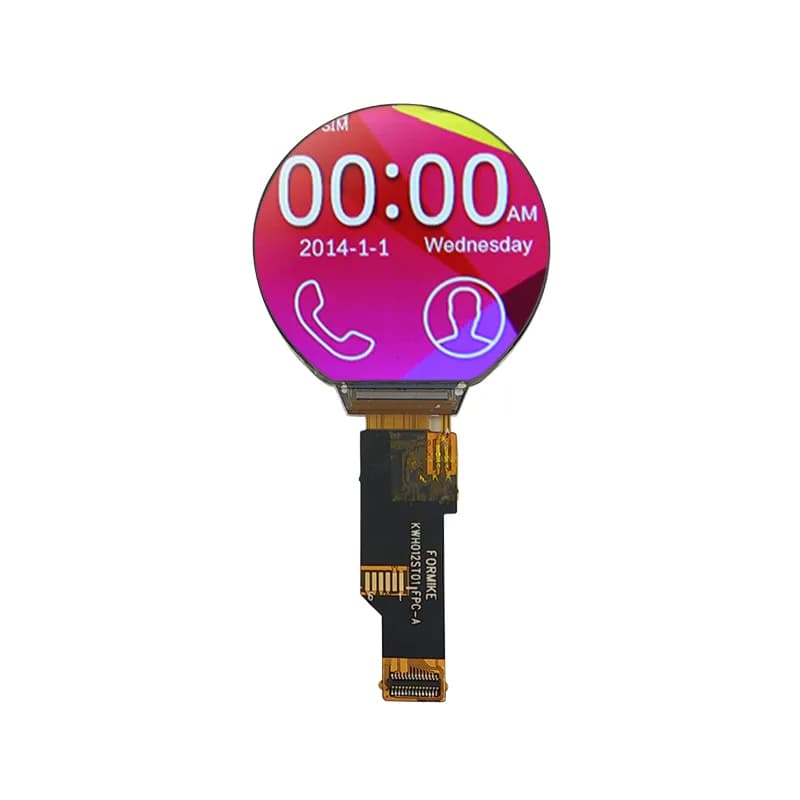
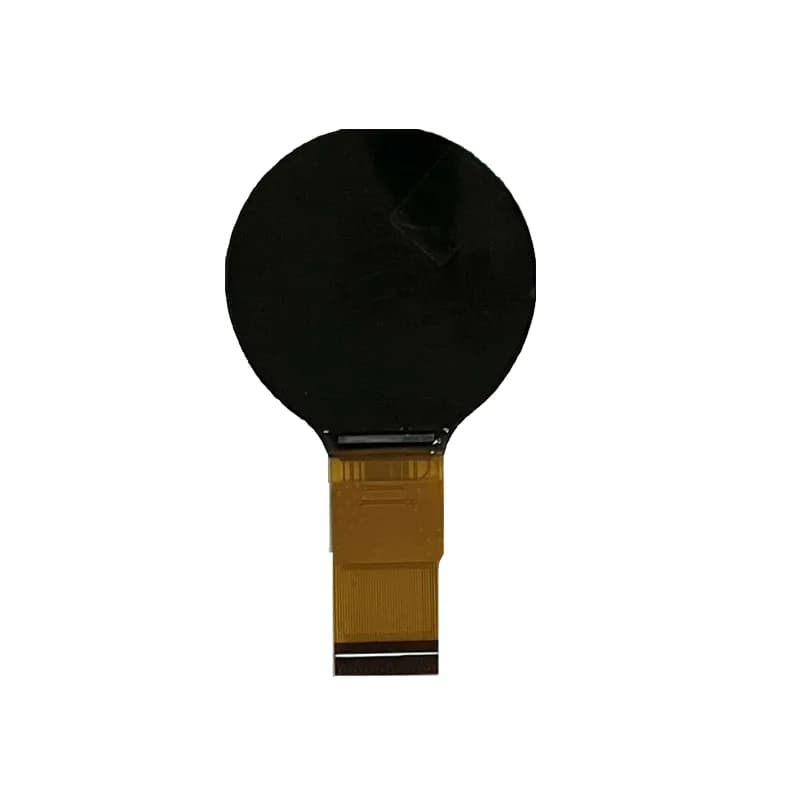
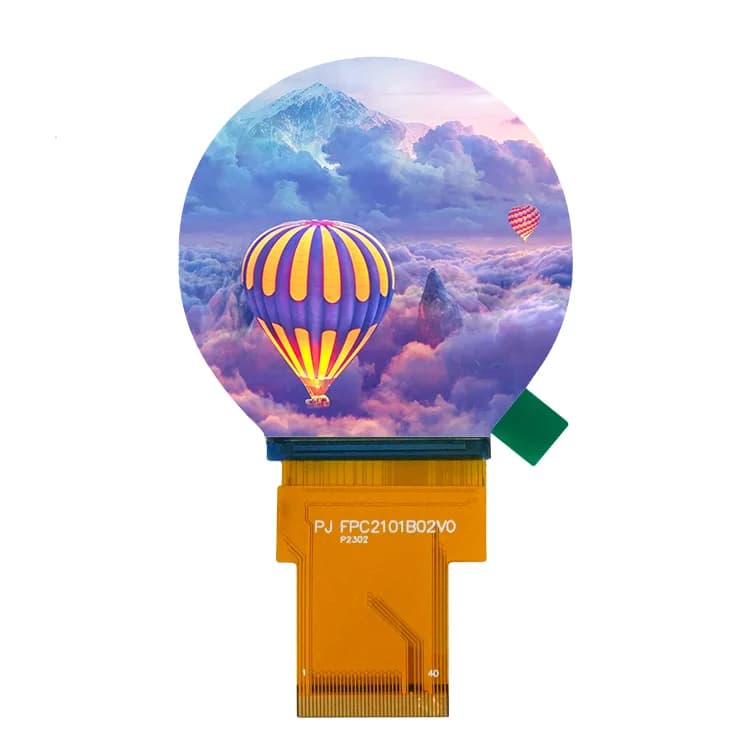
What a 1.28-inch round display is
Most small round TFTs are a 240×240 pixel panel cut into a circle, with a GC9A01 controller. The controller still works with a square frame buffer; the corners simply have no visible pixels. Wearables, knobs, gauges and smart-home controllers use this format.
Wiring (4-wire SPI)
Signal | Purpose |
|---|---|
SCLK | SPI clock |
MOSI (SDA) | SPI data to the panel |
CS | Chip select |
DC | Data / command select |
RST | Reset (or tie to the MCU reset) |
BL | Backlight (PWM for dimming) |
MISO is usually not used. For a known-good reference pin map, see the Waveshare ESP32-S3-Touch-LCD-1.28 board page.
Libraries
Library | Setting |
|---|---|
TFT_eSPI (Arduino) | |
LovyanGFX | |
ESP-IDF | |
LVGL | any of the above as flush driver, with partial draw buffers |
The GC9A01 page has config templates you can download.
How fast can it refresh?
A full frame in RGB565 is 240 × 240 × 16 bit = 921,600 bits (112.5 KB). The theoretical SPI limit is about 43 fps at 40 MHz and 86 fps at 80 MHz. Real UIs are slower because of command overhead and rendering time, so LVGL usually redraws only the changed areas. On ESP32, 80 MHz is only possible on the dedicated SPI pins; 40 MHz is the safe default.
The full frame fits in internal RAM, but LVGL works well with two partial buffers of 1/10 screen each (about 11 KB), leaving RAM for the application.
Designing for a circle
- Keep text inside the inscribed square. The largest square that fits in a 240-pixel circle is about 170×170 pixels; put labels and numbers there.
- Use arcs and rings for data. Gauges, progress rings and radial menus use the edge that rectangles waste.
- Touch reports square coordinates. Round boards often pair the panel with a CST816S touch controller; it returns x/y in the 240×240 square, so ignore touches outside the circle.
- Check the visible area against your bezel. The active area of the panel, not the glass, sets what the user sees.
Round displays in our catalog
Our direct factories build round modules including a 1.28-inch 240×240 IPS SPI module, a 1.3-inch 360×360 version with capacitive touch, and a 2.1-inch 480×480 version. See all round LCD displays; confirm the controller on the datasheet, as it can differ from the GC9A01 in other sizes. Samples start at 1 pc.
Frequently asked questions
What resolution is a 1.28-inch round display?
Usually 240×240 pixels with a GC9A01 controller; the visible area is the circle inscribed in that square.
Can an ESP32 drive a GC9A01 at 60 fps?
Full-screen redraws are limited to about 43 fps at 40 MHz SPI in theory. Partial updates, which LVGL uses, make smooth animation possible for typical gauge and watch UIs.
Which pins does a GC9A01 display need?
SCLK, MOSI, CS, DC, reset and backlight. MISO is normally not connected.