Smart Home Panel Displays
86-box wall panels and controllers built on ESP32-S3 and Linux SoCs.
20 matching display modules
Refine in Display Finder →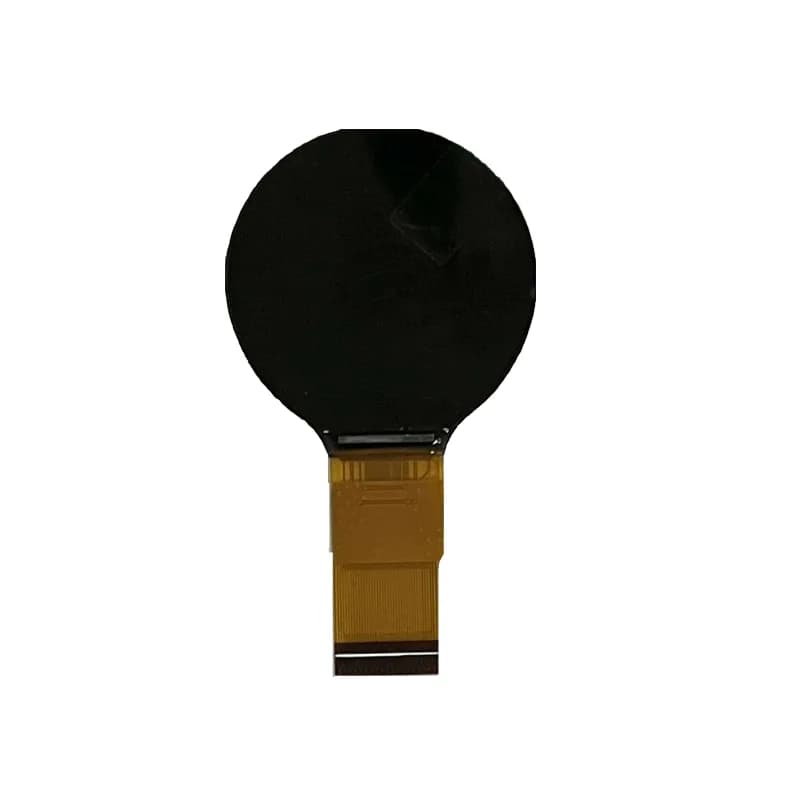
1.3" 360×360 Round IPS TFT LCD, SPI (PJ01304I01-32H24P350C)
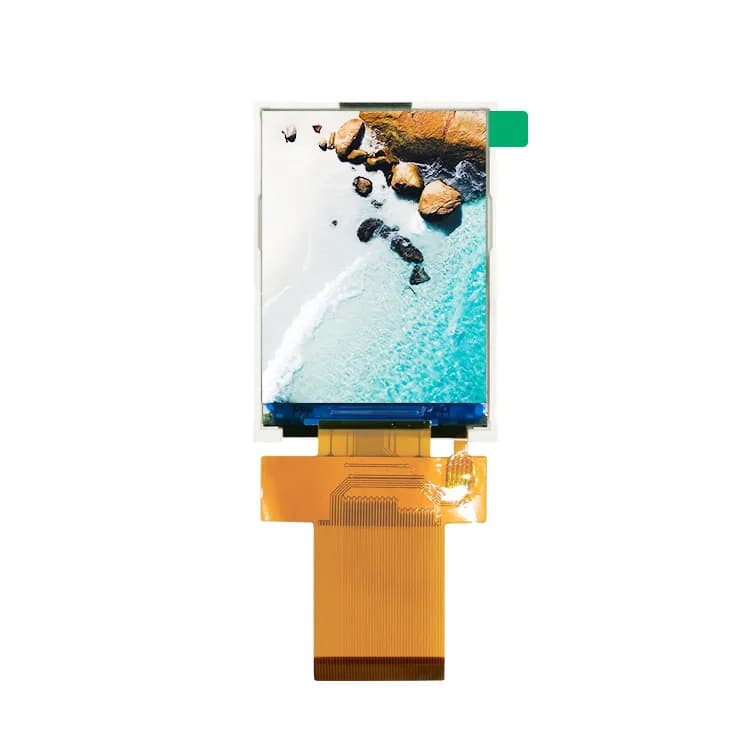
2.4" 240×320 IPS TFT LCD, SPI / MCU / RGB (PJ2401H25-22H45P200)
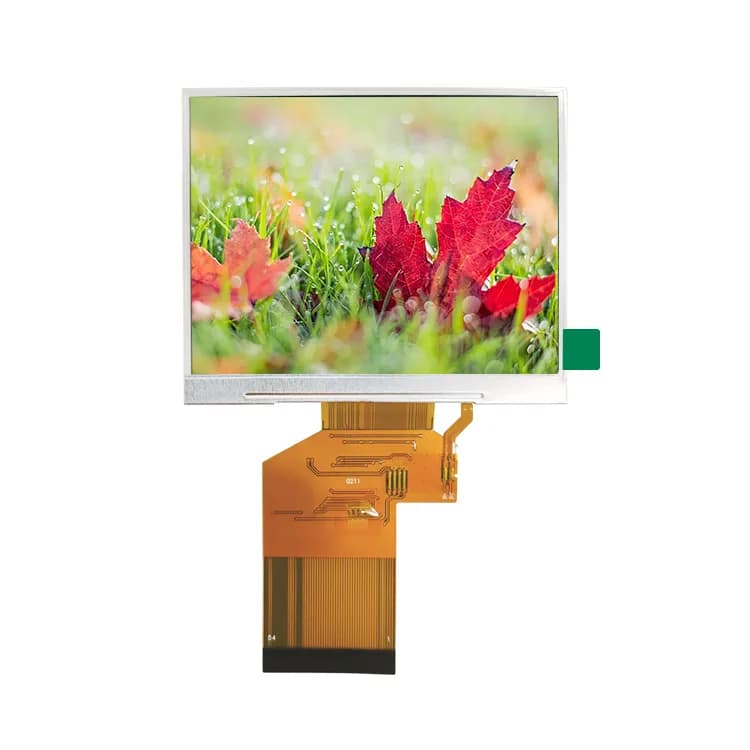
3.5" 320×240 IPS TFT LCD, RGB (PJ3501I01-34H54P300)
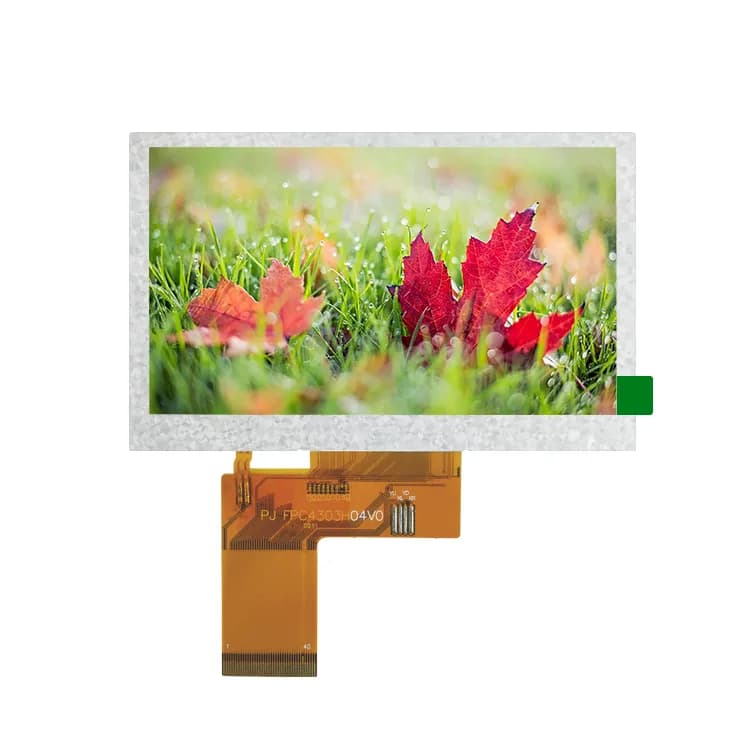
4.3" 800×480 IPS TFT LCD, RGB (PJ4303H04-29H40P500)
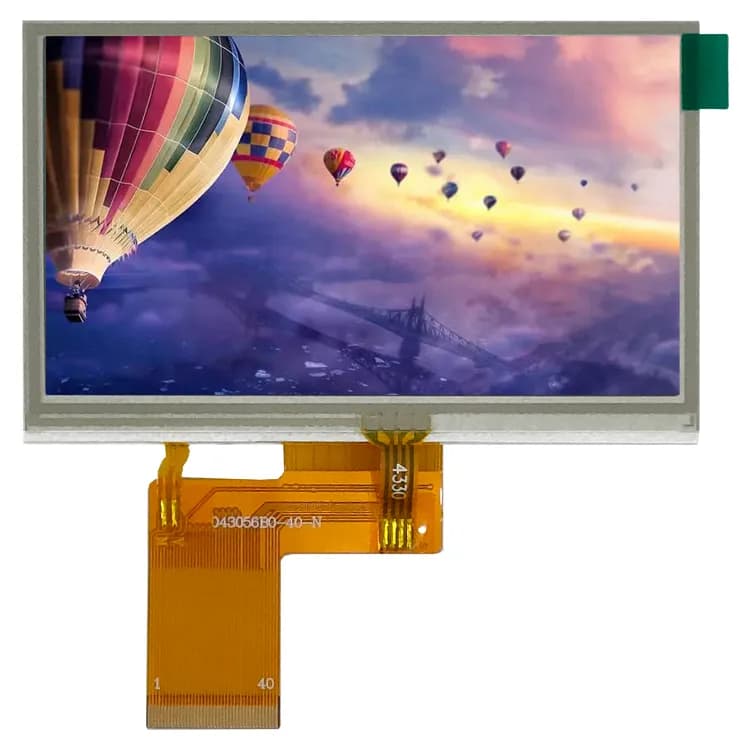
4.3" 800×480 IPS TFT LCD, RGB (PJ4303H03-25H40P1000)
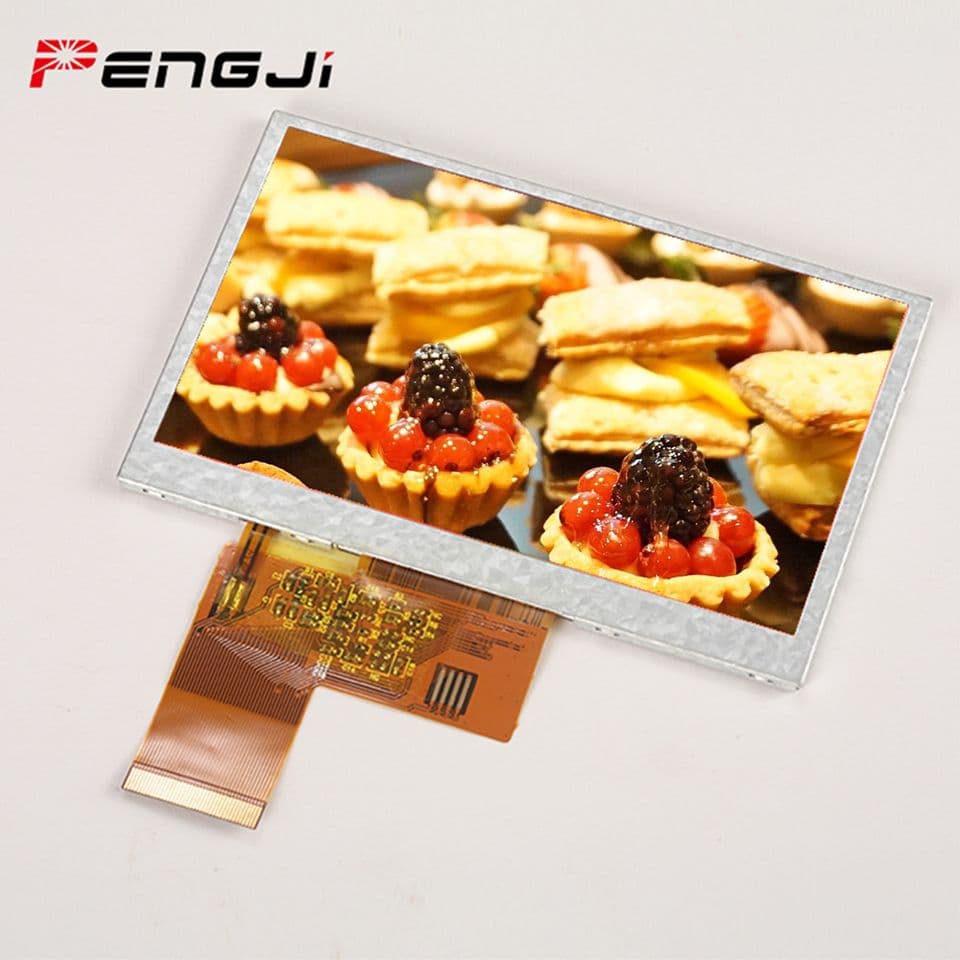
4.3" 480×272 IPS TFT LCD, RGB (PJ4301H01-29H40P500)
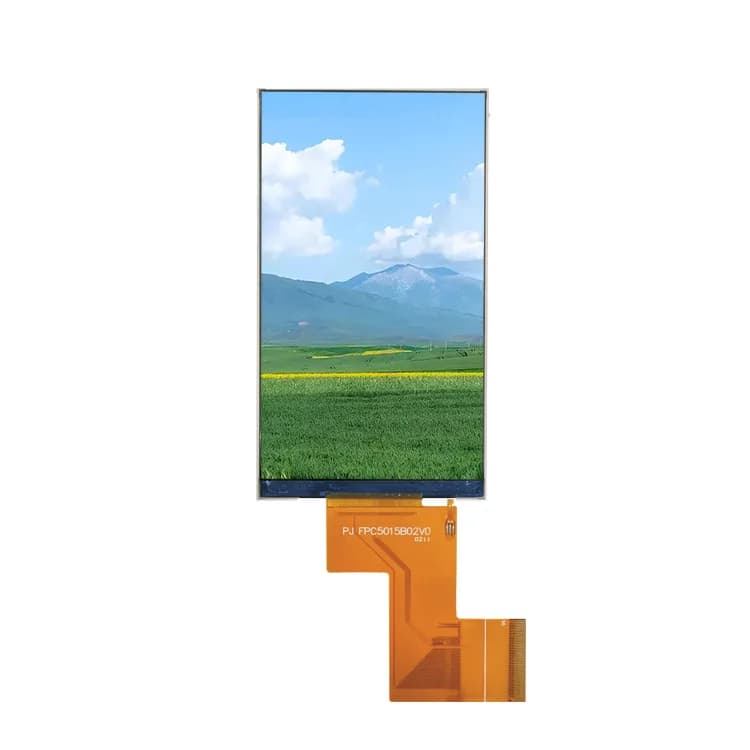
4.95" 480×854 IPS TFT LCD, RGB (PJ5015B04-21H50P600)
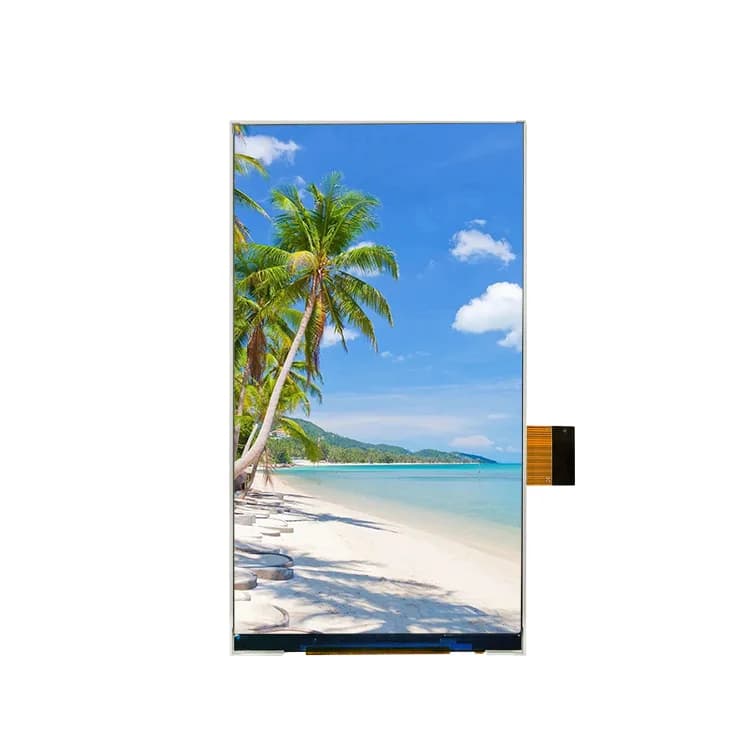
4.99" 720×1280 IPS TFT LCD, MIPI DSI (PJ5015B14-21H26P300)
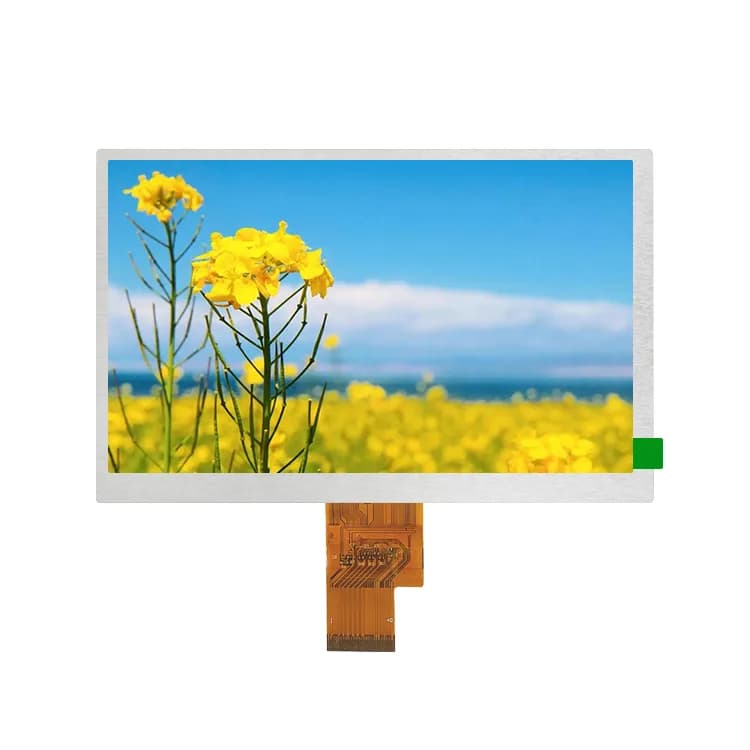
7" 800×480 IPS TFT LCD, RGB (PJ7004I38-57H40P1000)
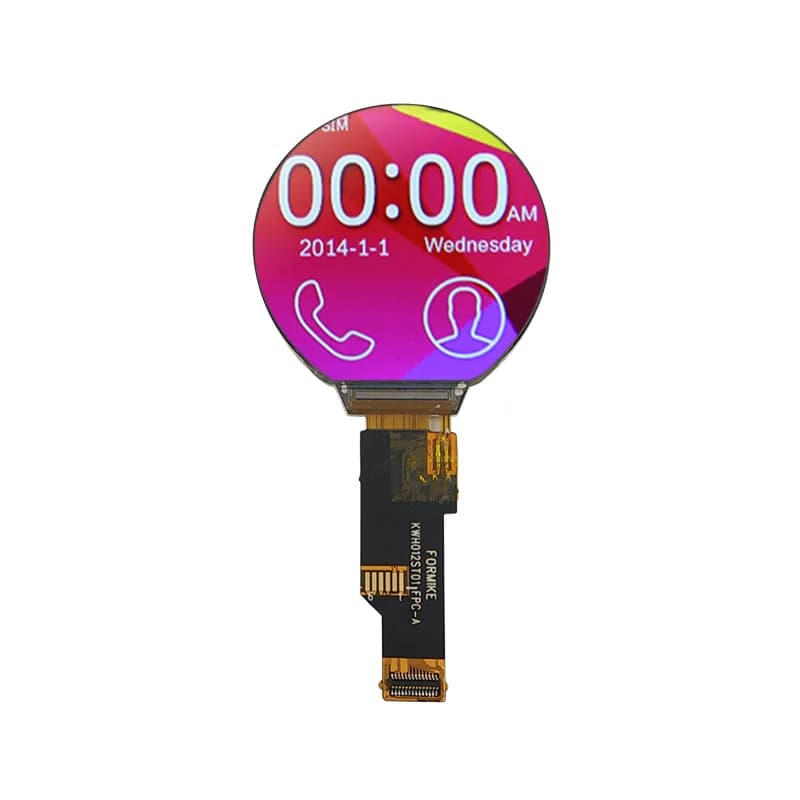
1.28" 240×240 Round IPS TFT LCD, SPI (PJ01301H03-16H12P200)
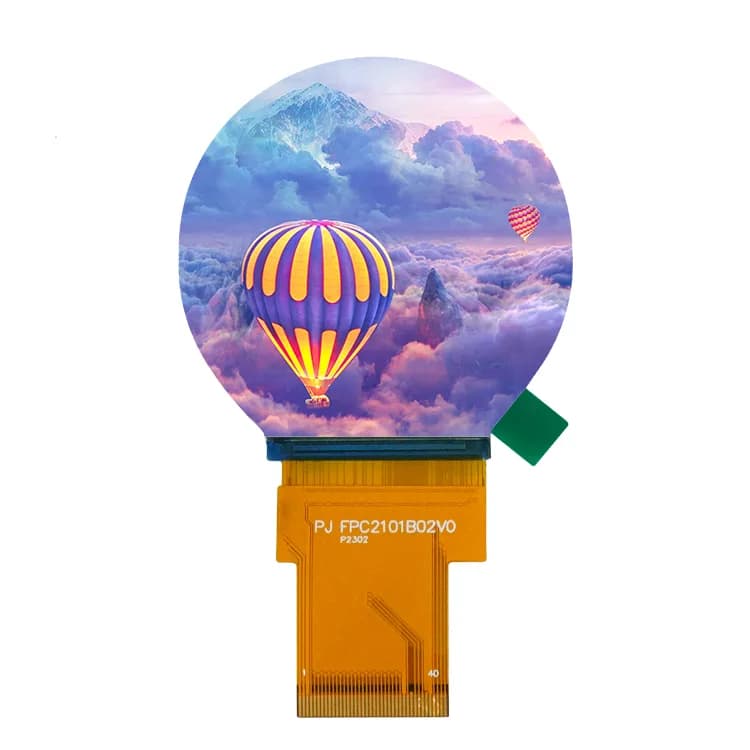
2.1" 480×480 Round IPS TFT LCD (PJ2101B02-22H40P250)
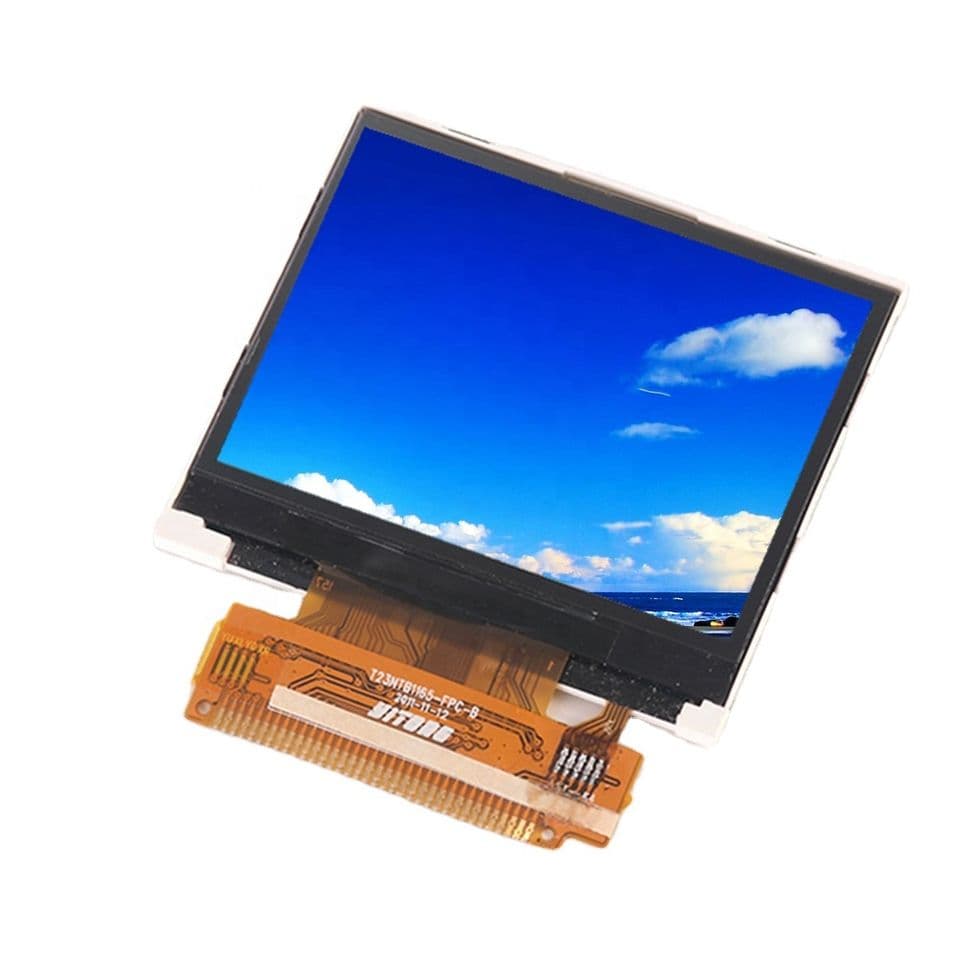
2.3" 320×240 IPS TFT LCD, SPI / RGB (PJ2302T01-28H40P)
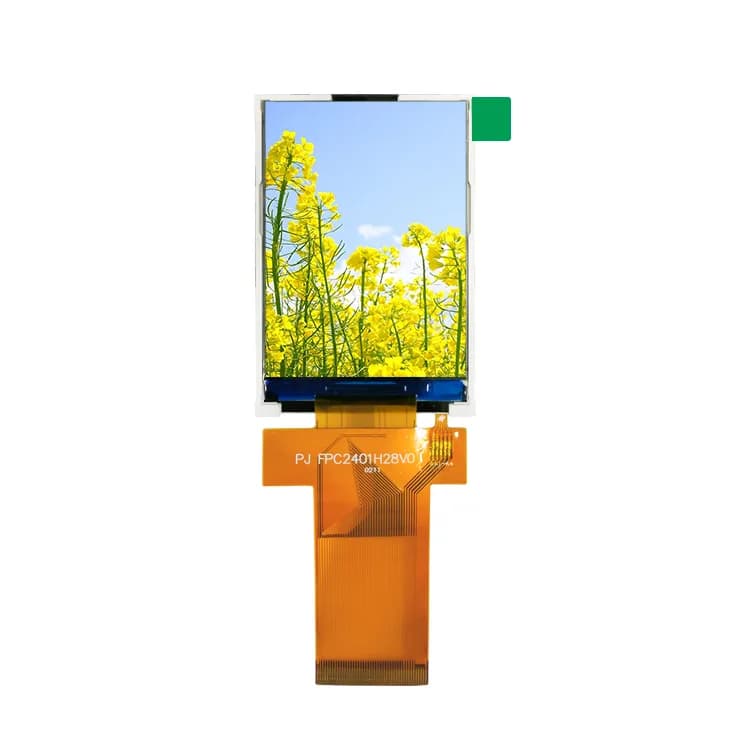
2.4" 240×320 IPS TFT LCD, SPI / MCU / RGB (PJ2401H28-22H45P200)
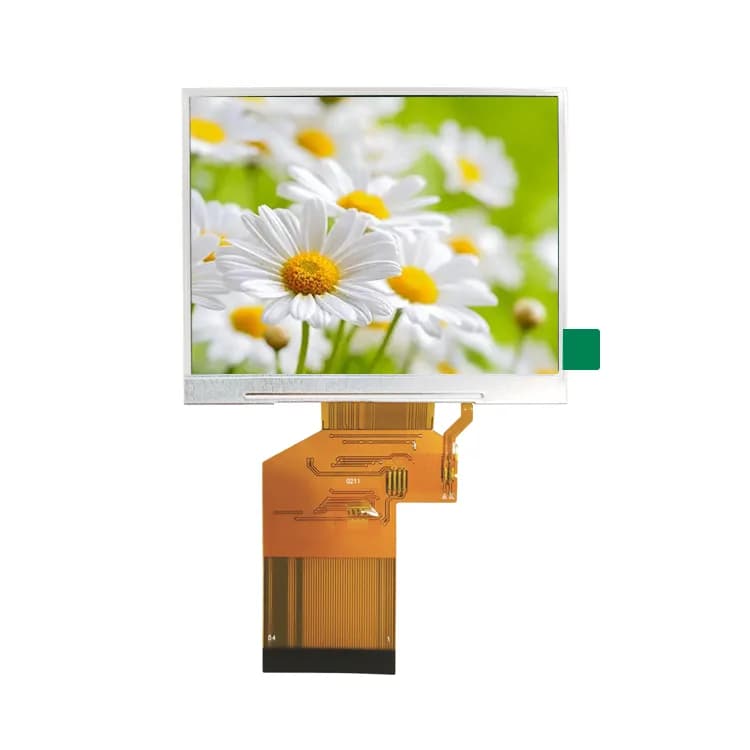
3.5" 320×240 IPS TFT LCD, RGB (PJ3502B01-32H54P400)
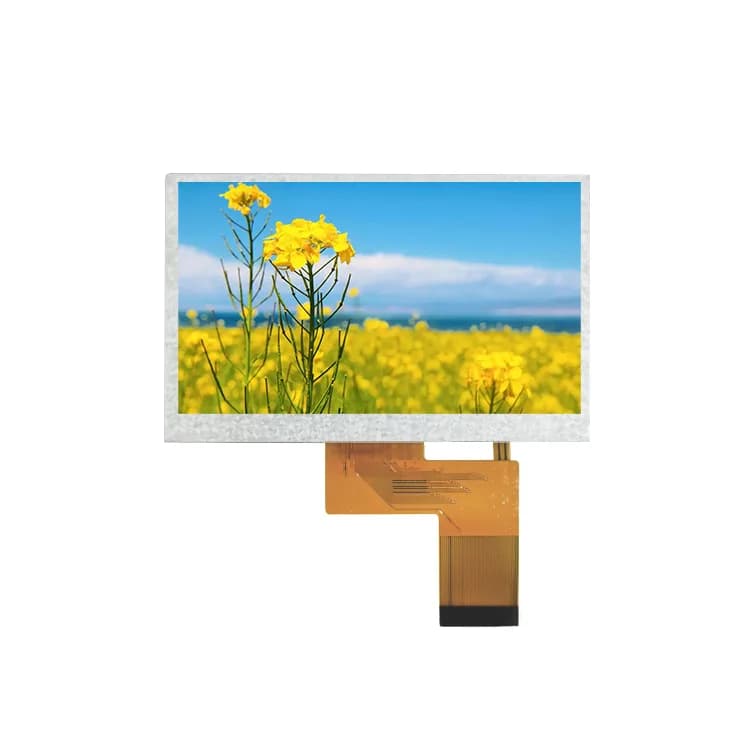
4.3" 800×480 IPS TFT LCD, RGB (PJ4303H02-25H40P700)
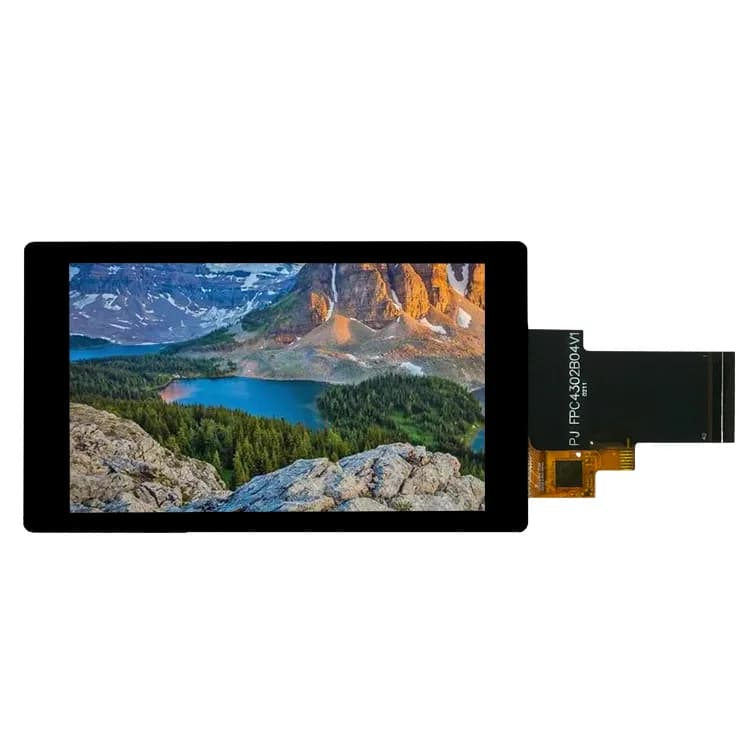
4.3" 480×800 IPS TFT LCD, RGB (PJ4302B04-36H40P300C)
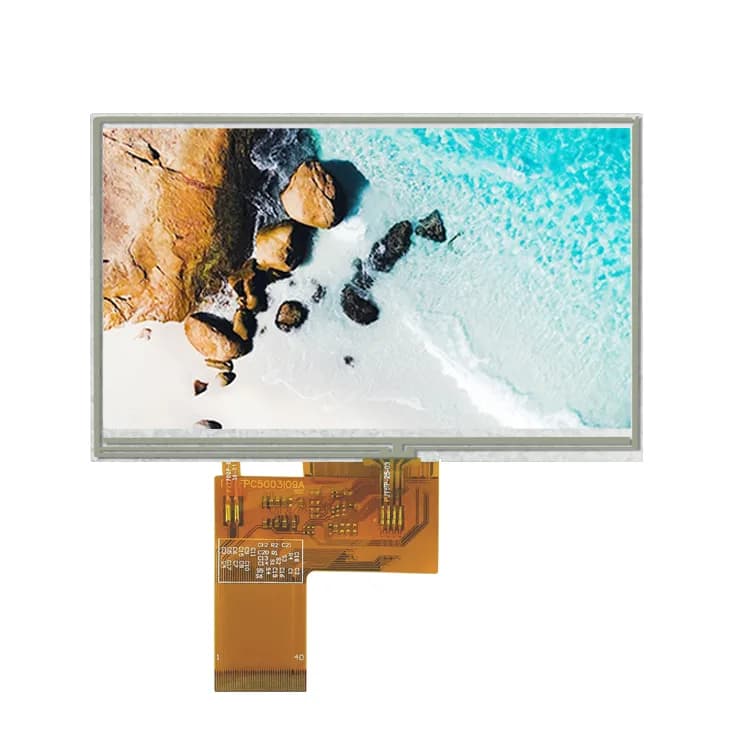
4.3" 480×272 IPS TFT LCD, RGB (PJ4301H06-45H40P500C)
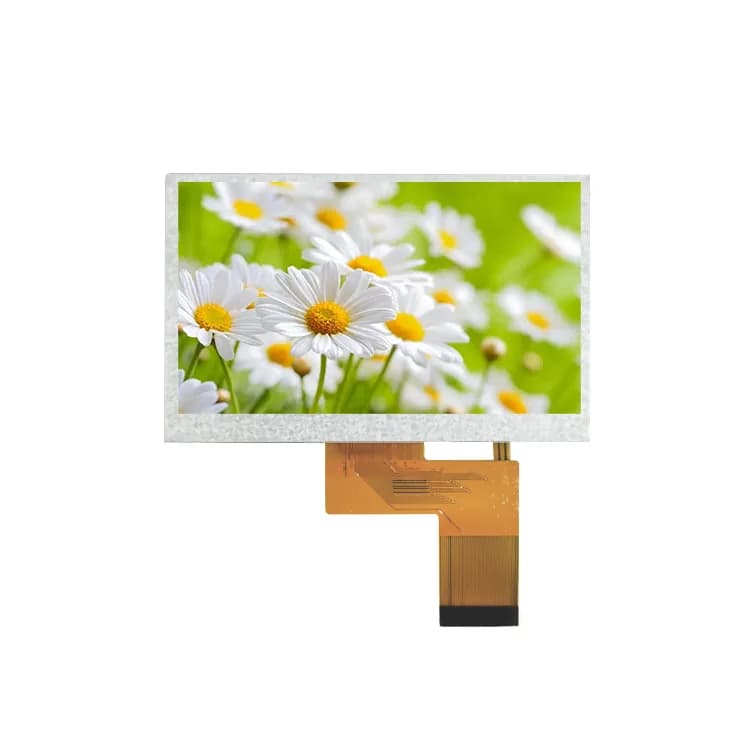
4.3" 480×272 IPS TFT LCD, RGB (PJ4301H03-41H40P600R)
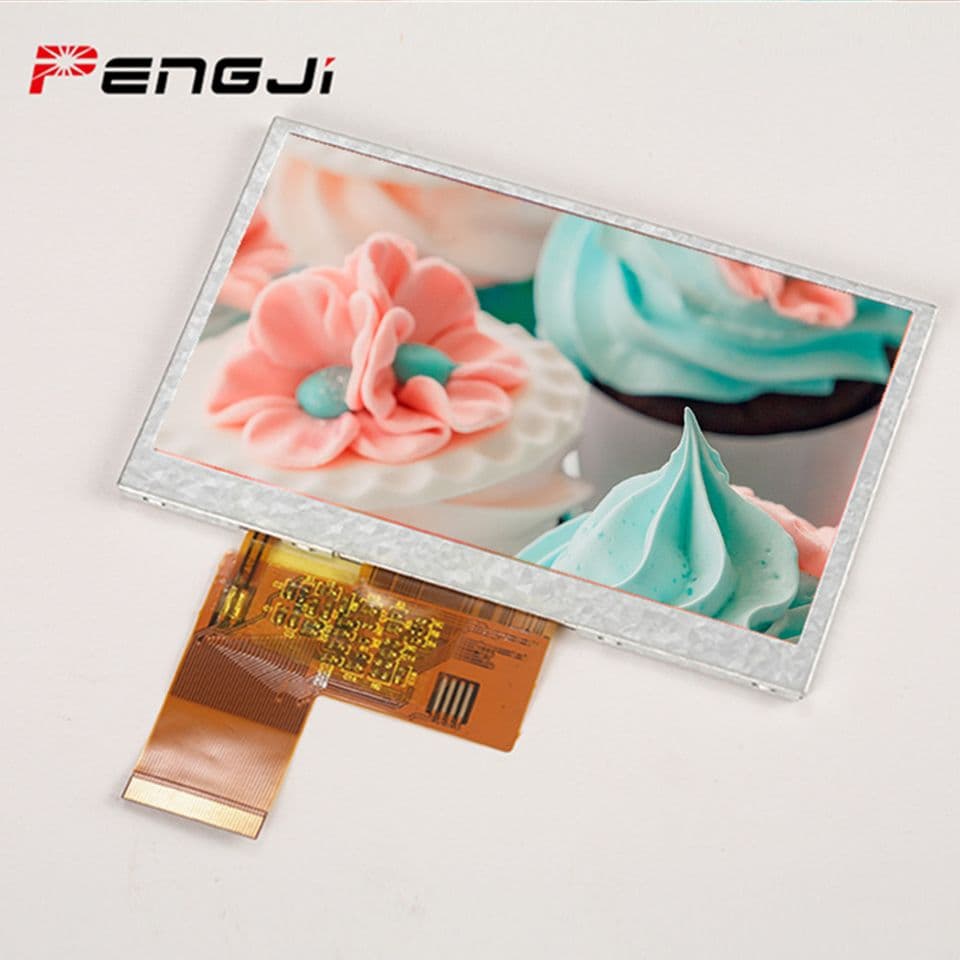
4.3" 800×480 IPS TFT LCD, RGB (PJ4303H04-42H40P400R)
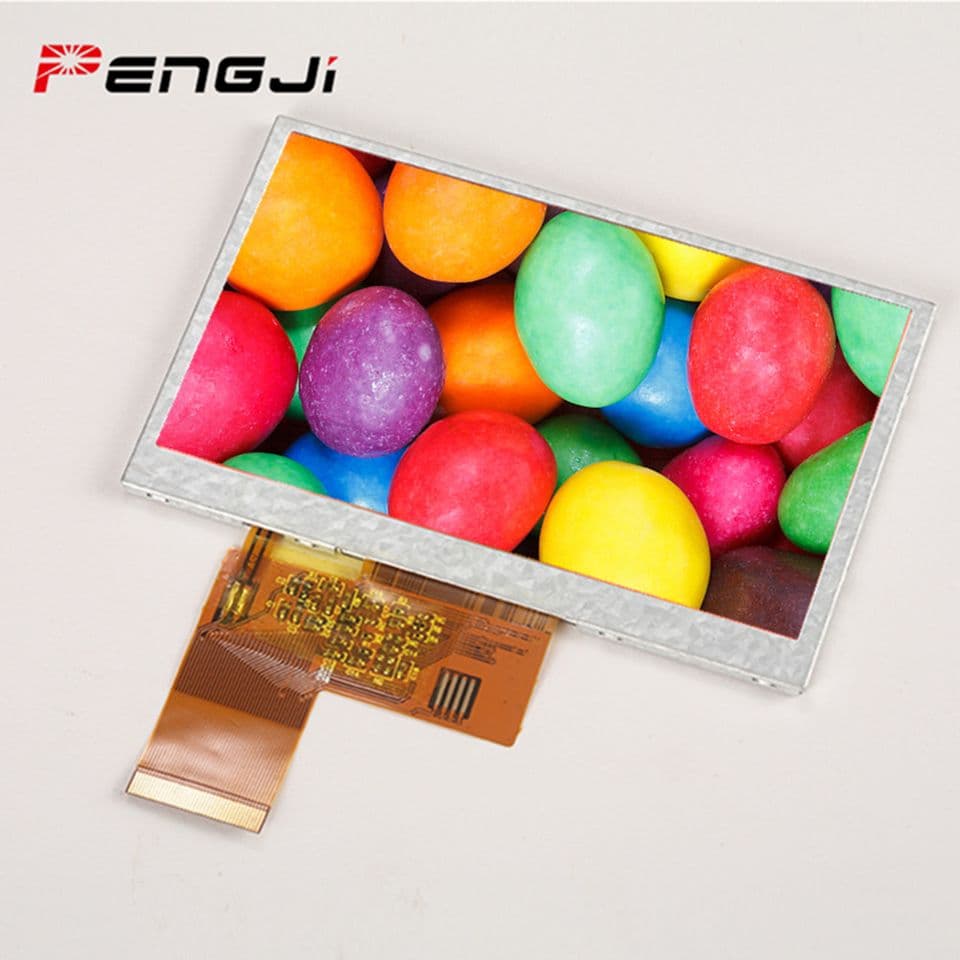
4.3" 800×480 IPS TFT LCD, SPI / RGB (PJ4302G01-32H60P)
Matching the display to the product
Product | Display | Platform |
|---|---|---|
Smart switch / scene panel | 4″ 480×480 square | ESP32-S3 |
Thermostat | 3.5″–4″ | ESP32-S3 |
Rotary knob controller | 1.28″–2.1″ round | ESP32 / ESP32-S3 |
Central home panel / intercom | 7″–10.1″ | RK3566/RK3568, Linux/Android |
What matters for wall-mounted displays
- Viewing angle: people look at wall panels from above and from the side. Use IPS.
- Night behaviour: automatic dimming to 1–5% brightness, plus a dark UI theme, avoids glowing panels in bedrooms. Check that the backlight can dim smoothly without flicker.
- Standby power: the display usually dominates. Turn the backlight off with a proximity or radar sensor.
- Finish: bonded cover glass with a printed frame is what makes a panel look like a premium product.
Thermostats and HVAC controllers
A thermostat has two display-related requirements: a small screen that suits the housing, and control that keeps working when Home Assistant or the network is down.
- Screen. A 1.28″ 240×240 round panel with a GC9A01 driver suits a puck or knob design. A 4″ 480×480 square panel fits an 86 mm wall box and leaves room for a schedule screen. See round displays and square displays.
- Run the control loop on the device. ESPHome's thermostat climate platform runs on the controller itself: it reads a temperature sensor and switches the heating or cooling outputs to hold the set point. Wire the sensor to the board rather than importing one from Home Assistant, so the loop still has an input when Home Assistant is offline.
- Turn off the API reboot. ESPHome's native API reboots the device when no client has connected within
reboot_timeout, which defaults to 15 minutes. A thermostat that must keep running without Home Assistant needsreboot_timeout: 0s. - Protect the equipment. When a heat or cool action is configured, the thermostat platform requires minimum run and off times (
min_heating_run_time,min_heating_off_timeand the cooling equivalents). ESPHome's example uses 300 s.
The power supply and relay or triac stage depend on your HVAC system and are outside what we supply; we provide the display, touch and cover glass.
Software ecosystem
ESPHome and LVGL are the fastest way to a working prototype, and openHASP and Home Assistant integrations are mature. For commercial products, budget for UI design and OTA updates from day one.
Related: square displays, round displays, ESP32-S3 compatibility.
Frequently asked questions
What display is best for a smart home wall panel?
A 4″ 480×480 IPS square display with optical bonding and capacitive touch, fitted to an 86 mm wall box, is the most common choice.
Can I build a Home Assistant panel with ESP32-S3?
Yes. ESP32-S3 with a 480×480 or 800×480 RGB display, GT911 touch and ESPHome or openHASP is a proven combination.
Can an ESPHome thermostat keep working when Home Assistant is down?
Yes, if the control loop runs on the device. Use ESPHome's thermostat climate platform with a temperature sensor wired to the board, and set reboot_timeout: 0s in the api section, because the default makes the device reboot after 15 minutes without a connection.
How do I stop a wall display from lighting up the room at night?
Use an ambient light sensor to dim to a few percent, a dark UI theme, and a presence sensor to switch the backlight off when nobody is nearby.
Sources
Not sure which display fits your design?
Send us your size, interface and host processor. A display engineer replies within 12 hours with 2–3 options, datasheets and init code. Samples from 1 pc.